Later Social Media Scheduler Review: Best Grid Planner, No More Free Plan
Later reviewed after the pricing change: the grid planner still leads, but the free plan is gone. What you pay now, and who should switch.
Pros
- Best visual Instagram planner we know of, with a drag-and-drop feed preview
- Linkin.bio builds a shoppable landing page that mirrors your feed
- Built-in hashtag suggestions and a reusable media library
- Clean interface that beginners pick up fast
- Supports Instagram, Facebook, TikTok, Pinterest, LinkedIn and X
Cons
- No ongoing free plan since 2025. You get a trial, then you pay
- No content recycling and no evergreen queues
- No AI caption writing in the core planner
- Starter is $18.75/mo on annual billing, and higher tiers cost more
- Team features and fuller analytics sit on the pricier plans
On this page
Is Later worth it in 2026?
Later built its name on a free plan it no longer has. Later is worth it if Instagram is your main channel and you care about how your feed looks. It is the best drag-and-drop grid planner we know of. It is harder to justify for everyone else. Later dropped its ongoing free plan in 2025, and it still does not recycle content. If you want your best posts to run again on their own, Later cannot do that job. We rate Later 4 out of 5.
Key takeaways
| Question | Short answer |
|---|---|
| Overall rating | 4.0 / 5. Strong visual planner, weak on free access and recycling |
| User ratings | 4.5 / 5 on G2 from 384 reviews. 4.4 / 5 on Capterra from 399 reviews |
| Best for | Instagram-first brands that care about feed layout |
| Biggest strength | Drag-and-drop feed planner plus Linkin.bio |
| Biggest weakness | No ongoing free plan, and no content recycling |
| Entry price | $18.75/mo (Starter, annual billing) |
| Best alternative | BuntingPost if your platforms are LinkedIn and X and you want posting to run itself from content you already publish. Instagram is not supported. |
Ratings and prices checked July 2026.
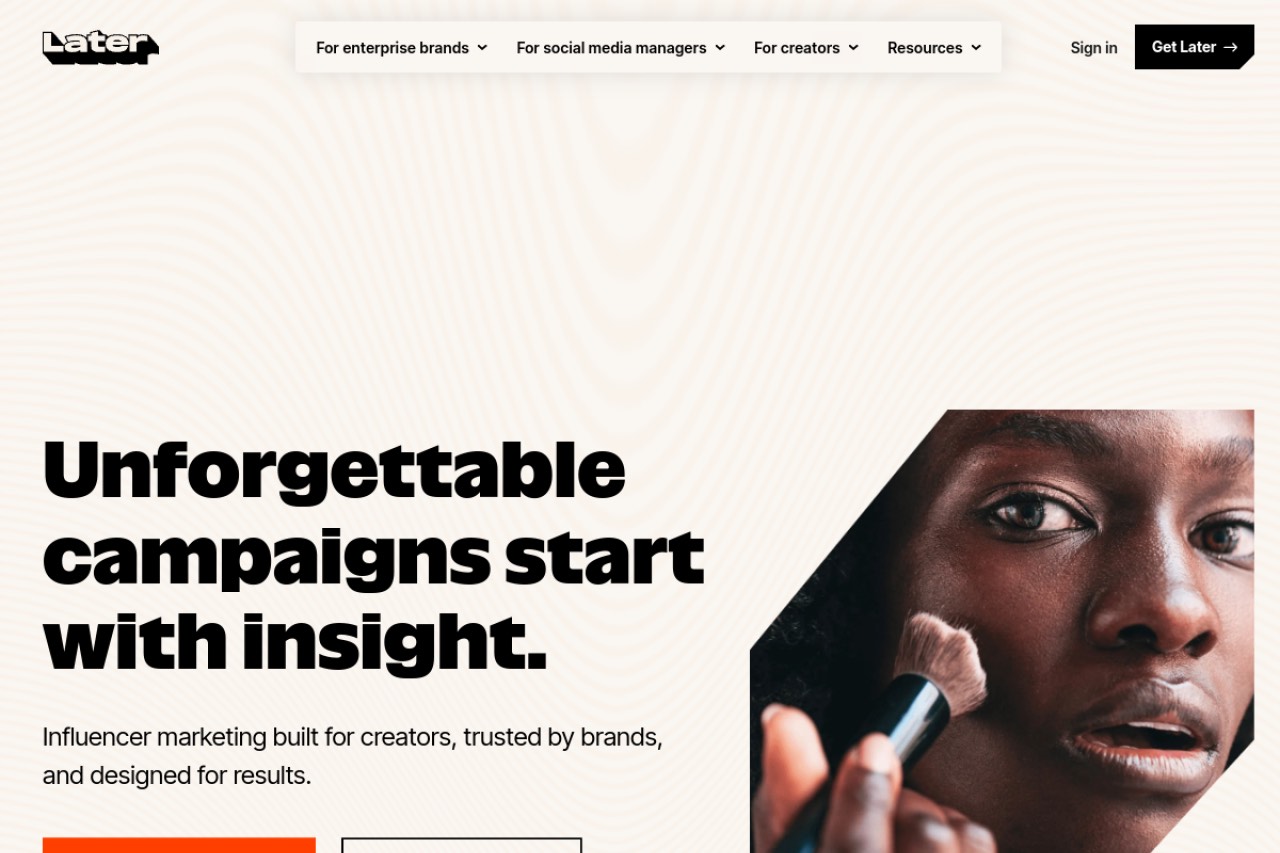
What Later does
Later is a visual social media scheduler. It started as an Instagram planning tool. It now also supports Facebook, X, LinkedIn, TikTok and Pinterest.
The core of Later is a drag-and-drop calendar and a grid preview. The grid shows how your Instagram feed will look before you publish. Lifestyle brands, photographers and shops like it for that reason.
The workflow starts with a picture. You upload images to a media library. You drag them into the grid, arrange the layout, add captions and hashtags, then schedule. Once a post publishes, Later is done with it. It will not repost or refresh that content for you.
How much Later costs in 2026
Later Starter costs $18.75/mo on annual billing, per Later's own pricing page. That is the cheapest paid tier. There is no ongoing free plan. Later removed its free tier in 2025 and now offers a trial only. That change drew steady criticism from long-time users.
| Plan | Price | What you get |
|---|---|---|
| Free trial | $0 for the trial period | No ongoing free plan since 2025. After the trial you need a paid plan. |
| Starter | $18.75/mo (annual billing) | One social set, the core visual planner, limited posts and analytics |
| Higher tiers | Prices not verified for this review | Later sells plans above Starter with more social sets, users and analytics. We could not confirm those rates, so we do not quote them. |
Prices checked July 2026. Verify on Later's site before you buy. If you need a scheduler that costs nothing, read our guide to the best free social media scheduler.
Later features worth knowing about
Later's features centre on visual Instagram planning. The five below are the ones that matter most.
Later's visual Instagram planner
Later's visual Instagram planner is a drag-and-drop grid preview that mirrors your feed before anything goes live. You drag images into the grid, check the layout and the overall look, then schedule. It is Later's standout feature. No other mainstream scheduler does grid planning this smoothly, and it is why feed-conscious brands still pick Later.
The Later calendar
The Later calendar is a drag-and-drop weekly or monthly view of every scheduled post across your connected profiles. You drag a post to a new slot to reschedule it, and the calendar sits alongside the grid preview, so date planning and feed layout happen in one tool. What the calendar does not have is recurring time slots or an evergreen queue: each post occupies one slot, publishes once, and leaves the calendar.
Linkin.bio shoppable pages
Linkin.bio builds a landing page that mirrors your Instagram feed. Each image on the page links to a URL. One bio link can then send followers to specific products, posts or campaigns. For shops and creators, this is a main reason to choose Later.
Later's hashtag suggestions feature
Later's hashtag suggestions feature reads your caption and proposes tags that fit the post, so you skip a separate research tool. Paid plans also show which tags drive reach. You can save hashtag groups and reuse them across posts, which speeds up captioning on busy Instagram accounts.
The media library
Later stores, tags and reuses your images and videos in one library. You can upload in bulk and pull in user content. Every item drags straight into the planner. The library is central to how Later works, because every post starts from a visual asset rather than text.
Analytics
Later reports on post performance, best times to post and audience engagement. The basics are solid for tracking Instagram growth. Deeper reporting sits on the more expensive plans, and it is lighter than a dedicated analytics platform.
Later pros and cons
Later is strong on visual planning and weak on automation and access. Here is the honest balance.
Pros
- The best visual Instagram planner we know of, with a drag-and-drop grid preview.
- Linkin.bio builds a shoppable landing page that mirrors your feed.
- Hashtag suggestions plus a reusable media library.
- Clean interface that beginners pick up fast.
- Covers Instagram, Facebook, TikTok, Pinterest, LinkedIn and X.
Cons
- No ongoing free plan since 2025. You get a trial, then you pay.
- No content recycling and no evergreen queues, so a post runs once and stops.
- No AI caption writing in the core planner.
- Starter is $18.75/mo on annual billing, and higher tiers cost more.
- Team features and fuller analytics sit on the pricier plans.
- Everything is built around images. Text-first posting feels like an afterthought.
What Later users say on G2 and Capterra
Later scores 4.5/5 on G2 from 384 reviews, and 4.4/5 on Capterra from 399 reviews. You can read them on the Later G2 review page and the Later Capterra review page. Reviewers on both sites praise the grid preview and Linkin.bio. The recurring complaints are the removal of the free plan and the price rises.
We cite a review platform only when we read the score off its own page. Ratings checked July 2026.
Later compared to BuntingPost
Later and BuntingPost solve different problems. Later is an Instagram-first visual planner. It publishes each post once and has no ongoing free plan.
BuntingPost is the LinkedIn autopilot for founders, used by 129+ founders. You connect sources you already publish, such as case studies, a blog RSS feed, a changelog or your X account. The AI writes LinkedIn posts from them in your voice, under plain-English instructions you set once. Every post is held before it publishes so you can approve, edit or skip it. An evergreen engine keeps your best posts in rotation, rewritten fresh each time, never word for word. BuntingPost is our product, so read this as the maker's pitch.
One caveat matters. BuntingPost publishes to LinkedIn profiles, LinkedIn company pages and X. It does not support Instagram, and this review is about an Instagram-first tool. If you want a hand-curated Instagram grid, Later wins outright.
| Feature | BuntingPost | Later |
|---|---|---|
| Free plan | Yes. Free forever: 1 source, 4 AI-written posts a month, no card. Publishing is copy-paste until you upgrade | No ongoing free plan, trial only |
| Instagram support | No. Instagram is not supported | Yes. Instagram-first, with grid planning |
| Platforms live today | LinkedIn profiles, LinkedIn company pages and X | Instagram, Facebook, TikTok, Pinterest, LinkedIn, X |
| AI writing | Yes. Writes posts from sources you already publish, in your voice | No AI captions in the core planner |
| Content recycling | Yes, on paid plans. Best posts rerun, rewritten fresh each cycle | No recycling |
| Linkin.bio style page | Not offered | Yes. Shoppable Linkin.bio |
| Pricing model | Pay once: Starter $49, Pro $99, Agency $199 | Per user, from $18.75/mo on annual billing |
| Best for | Founders on LinkedIn and X who want posting to run itself from content they already have | Instagram-first visual planning |
The three-year cost, worked out
Later Starter at $18.75/mo costs $675 over three years. BuntingPost Starter is $49 once for one LinkedIn profile on autopilot, so three years costs $49. That is a saving of $626, or 93%. BuntingPost also has a free tier: 1 connected source and 4 AI-written posts a month, free forever, with no card, though you publish them by copy-paste. Later has no ongoing free plan at all. See our full Later alternatives comparison for the wider field.
Frequently asked questions
Price and value
Is Later worth it?
How much does Later cost?
Does Later have a free plan?
Trust and reputation
Is Later legit?
What rating does Later have?
Features and fit
Is Later good for Instagram?
Does Later recycle content?
Alternatives to Later
What is a good Later alternative?
RecurPost vs Later, which is better?
Later or Buffer, which is better?
Our verdict on Later
Later earns 4 out of 5 stars. It is the best visual Instagram planner we know of. The grid preview, Linkin.bio and hashtag tools make it a strong choice for feed-conscious brands. The drawbacks are real. Later dropped its ongoing free plan in 2025, raised prices, and still offers no recycling or AI captions. If Instagram looks matter most, Later is worth paying for. If your platforms are LinkedIn and X and you want posting to run itself from content you already publish, look at BuntingPost. Our guide to the best free social media scheduler covers the wider field.
Disclosure: BuntingPost is our product. Where it appears in the comparisons and recommendations above, read it with that in mind. Prices, limits, and ratings for every tool, ours included, are checked against the sources named on this page. Read how we review.
Made it this far? Take the swipe file
30 LinkedIn post prompts for founders, organized by source: your changelog, your customers, your numbers, your opinions. The link is yours immediately, plus the occasional practical guide on LinkedIn for founders.
Optional. No spam, unsubscribe anytime.




