9 Best Free Social Media Schedulers in 2026: Which Free Plans Are Actually Free
Nine free schedulers ranked after checking every plan page: which free tiers are permanent, which are trials in disguise, and one that shut down.
On this page
The best free social media scheduler in 2026
Plenty of schedulers still sold as free are trials with a countdown, and one tool that keeps getting recommended shut down in May 2025. The best free social media scheduler in 2026 is Buffer. Its free plan is permanent, not a trial. You get 3 channels and 10 scheduled posts per channel, with no countdown clock.
One warning before you pick. Free plans almost never include content recycling any more. Buffer's free plan has no recycling. SocialBee and MeetEdgar have no free plan at all. RecurPost and Post Planner both cut back the free plans that used to include it.
Top picks by need
| If you want | Pick | Why |
|---|---|---|
| Plain, reliable free scheduling | Buffer | Permanent free plan, 3 channels, 10 posts each |
| Free AI-written posts from your own content | BuntingPost Free | 4 AI-written posts a month from one source; you publish by copy-paste |
| Free analytics | Metricool | Best free stats, though it leaves out LinkedIn and X |
| Lowest cost over three years | BuntingPost Starter | $49 once for one LinkedIn profile on autopilot, not a monthly fee |
| A tool to avoid | Crowdfire | Shut down on 15 May 2025 |
Ratings and prices checked July 2026.
Problems with most free social media schedulers
Free plans are built to make you upgrade. Here are the five problems you will hit first.
1. Post limits run out fast
Most free plans cap you near 10 scheduled posts per channel. Buffer and Publer both work this way. If you post daily, you run out in under two weeks. Then you reload by hand or you pay.
2. Free tiers hide the networks you need
Metricool's free plan leaves out LinkedIn and X. Other tools cap you at three connected profiles. If your main network sits behind the paywall, the free plan is free in name only.
3. Free plus recycling has nearly died out
Recycling re-queues your best posts so they run again. It is the feature worth having, and it is vanishing from free plans. Buffer's free plan has none. MeetEdgar and SocialBee have no free plan at all. RecurPost's free tier shrank to 3 profiles and 10 recurring posts. Later dropped its free plan entirely.
4. Recycled posts repeat word for word
Most recycling tools republish the same text every cycle. Followers notice. Recycling fixes the consistency problem and creates a staleness problem in its place.
5. Prices climb per profile once you upgrade
Buffer charges per channel. Three channels cost three times one channel. That is fine at first. It gets expensive the moment you add accounts.
How modern tools solve these problems
Each problem above has a fix. Some fixes are free. Some are not. Here is the honest map.
- Post limits, fixed by recycling: one evergreen post on a repeating slot fills dozens of publishing slots. A small library covers a full month.
- Missing networks, fixed by checking first: read the free plan's network list before you sign up. Vista Social and Buffer cover the mainstream networks on free.
- Free recycling gone, fixed by knowing what is left: RecurPost's free tier still recycles, at 10 recurring posts. It is close to the last one. BuntingPost's free plan does not schedule anything; it writes posts you publish by copy-paste.
- Repeated wording, fixed by AI rewrites: BuntingPost's paid plans keep your best posts in rotation and rewrite each repeat into a fresh variant. New hook, new angle, same core message. On free plans elsewhere, Publer's Spintax is the lighter option. It rotates preset wording rather than rewriting.
- Per-profile price creep, fixed by flat or one-time pricing: BuntingPost Starter is $49 once for one LinkedIn profile on autopilot. There is no monthly fee, so the cost does not grow with time.
What to look for in a free social media scheduler
Seven criteria separate a useful free plan from a demo. Use them on any tool below.
1. A real free tier, not a trial
A real free tier lets you keep publishing with no end date. A trial locks you out after 14 days. Look for the words free forever or a $0 plan on the pricing page. Buffer, Publer, Metricool, Vista Social, Zoho Social and BuntingPost all list a $0 plan. One caveat: BuntingPost's $0 plan writes posts rather than scheduling them. SocialBee and MeetEdgar do not list a $0 plan at all.
2. Enough monthly posts
Check the cap per channel or per month. Buffer allows 10 posts per channel. Publer allows 10 per account. Metricool allows 50 across one brand. A 10-post cap is gone in under two weeks if you post daily.
3. The networks you actually use
Free plans often skip networks. Metricool's free plan skips LinkedIn and X. Some tools cap connected profiles at three. Confirm coverage before you commit, because upgrading just to unlock one network is the most common trap.
4. Content recycling
Recycling re-queues your evergreen posts on a schedule. It is the most valuable feature here and the rarest on free plans. Buffer has none. MeetEdgar and SocialBee charge for it. RecurPost still offers it free at 10 recurring posts.
5. AI that refreshes, not just generates
Most AI features write one caption and stop. That helps with a blank page. It does nothing for a post that runs again in 14 days. Ask whether the AI does any work after that first caption. Publer's Spintax rotates preset wording. BuntingPost's paid plans rewrite each recycle.
6. Analytics you can act on
Free analytics range from none to a full dashboard. Metricool is the strongest here. At a minimum, look for per-post engagement and best-time guidance. That is enough to decide what to recycle.
7. What it costs once you outgrow free
Check the upgrade price before you invest time. Buffer charges $5 per channel per month on annual billing, so three channels cost $15 a month. RecurPost starts at $9 a month. BuntingPost Starter is $49 once, with no monthly fee. Work out the three-year total, not the monthly number.
How we evaluate free schedulers
We don't run a hardware lab. Our picks come from checking claims against primary sources, not marketing pages. Here is exactly what that means:
- Pricing and limits: read off each vendor's own pricing page, with the check date in the post.
- Features: verified against the vendor's docs and app, not headline copy.
- Ratings: from G2 and Capterra, opened and verified, with review counts shown. Scores we cannot confirm are left out. Small samples are flagged so you can weigh them lightly.
- Dead tools: flagged, so you don't sign up for something discontinued.
- Ownership: BuntingPost is our product. It appears in this list with that disclosure, and it is never ranked above a tool that beats it on the criterion at hand.
The 9 best free social media schedulers in 2026
Each tool below follows the same template. Buffer leads because its free plan is the simplest and most dependable. Publer is the pick if you want caption variation for free.
1. Buffer, best free scheduler for most people
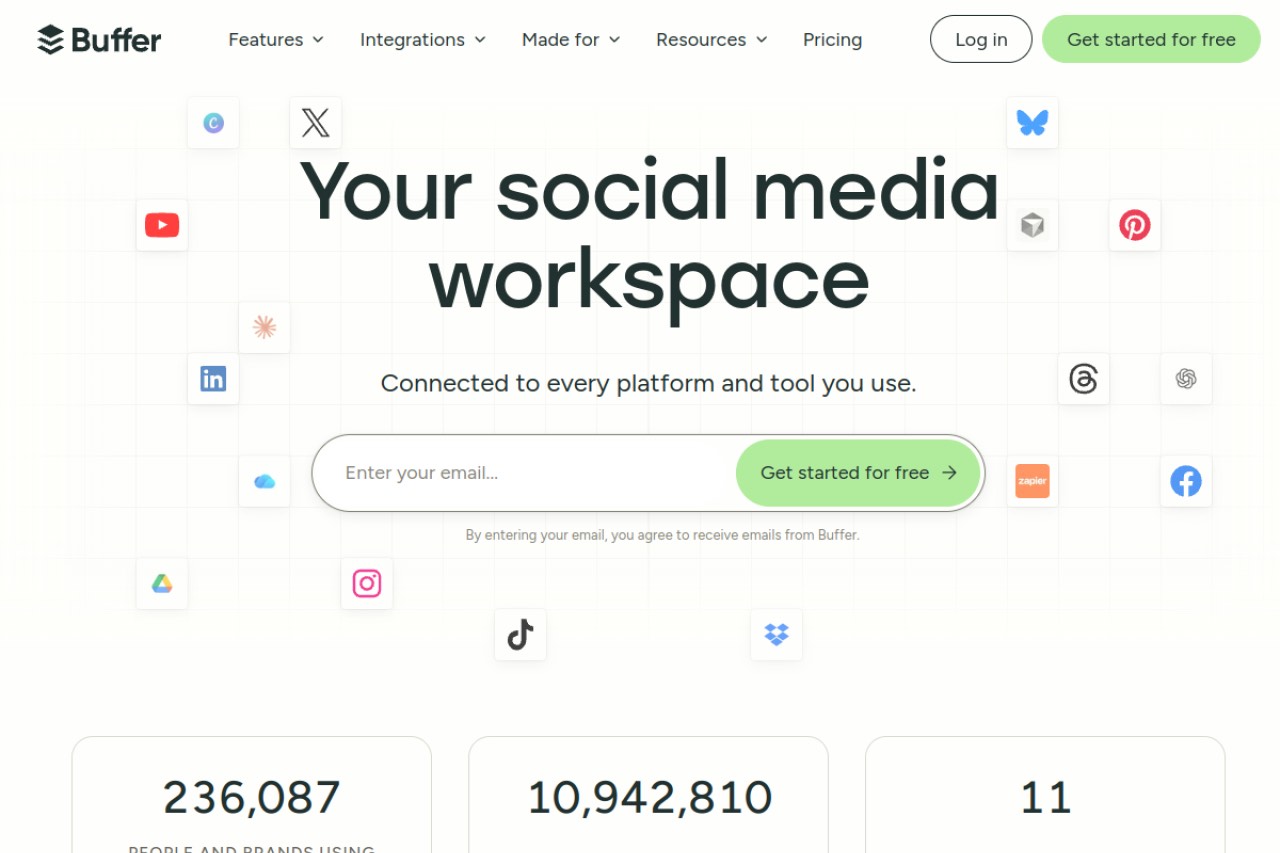
Buffer is the simplest way to schedule posts across networks for free. The free plan is permanent, not a trial. Pick it if you want plain, reliable scheduling. Note that Buffer's free plan has no recycling, so every post publishes once and then it is gone.
Key features
- Cross-platform scheduling with a clean composer
- Light AI assistant for caption ideas
- Community inbox on paid tiers
- Well-rated mobile app
Pros
- Simplest interface in the category
- Free plan never expires
- Long-established and stable
Cons
- No content recycling at all
- Thin analytics on lower tiers
- Per-channel pricing adds up as you grow
Pricing: Free with 3 channels and 10 posts per channel. Essentials costs $5 per channel per month on annual billing, so three channels is $15 a month.
User reviews: 4.3/5 on G2 from 1,039 reviews, and 4.5/5 on Capterra from 1,492 reviews.
Best for: creators and small businesses who want simple free scheduling and do not need recycling.
2. Publer, best free pick for caption variation
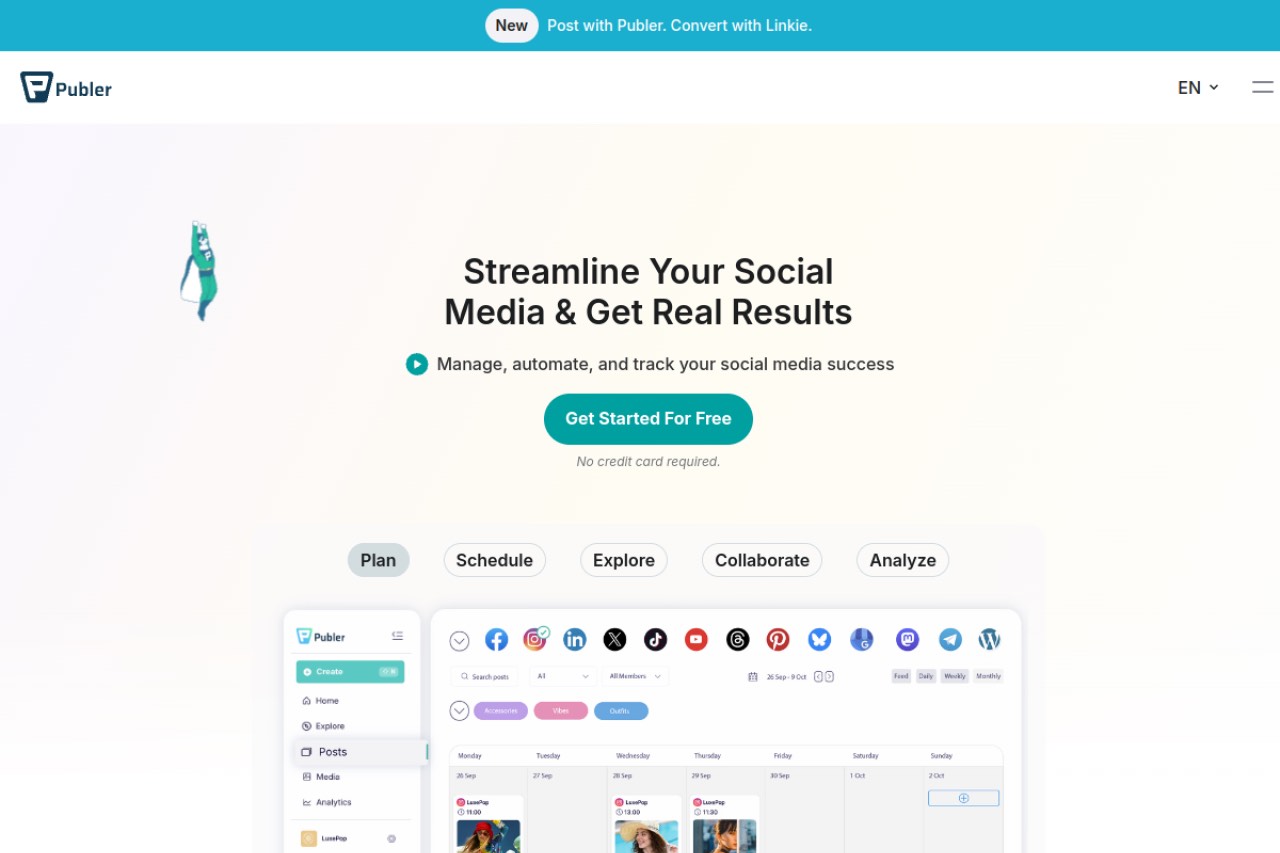
Publer is the highest-rated free all-rounder in this list. It combines scheduling with Spintax variations and strong integrations. Spintax rotates preset wording, so recycled posts do not read identically every time. Recycling itself is a side feature rather than the focus.
Key features
- Spintax variations for rotating caption wording
- Bulk scheduling and CSV import
- AI image generation, plus Canva, Drive and Dropbox links
- Link-in-bio pages and X thread scheduling
Pros
- Among the cheapest capable cloud tools
- Spintax adds variety to repeated posts
- Clean interface and many integrations
- Fast support
Cons
- Recycling is not the core of the product
- The interface takes some learning
- Recurring posts need a higher plan
Pricing: Free with 3 accounts and 10 scheduled posts each. Professional starts at $5 a month for 1 account and rises with usage.
User reviews: 4.7/5 on G2 from 521 reviews, and 4.8/5 on Capterra from 957 reviews. That is among the highest here.
Best for: solo creators who want a highly rated, integration-rich free tool.
3. Metricool, best free analytics with scheduling
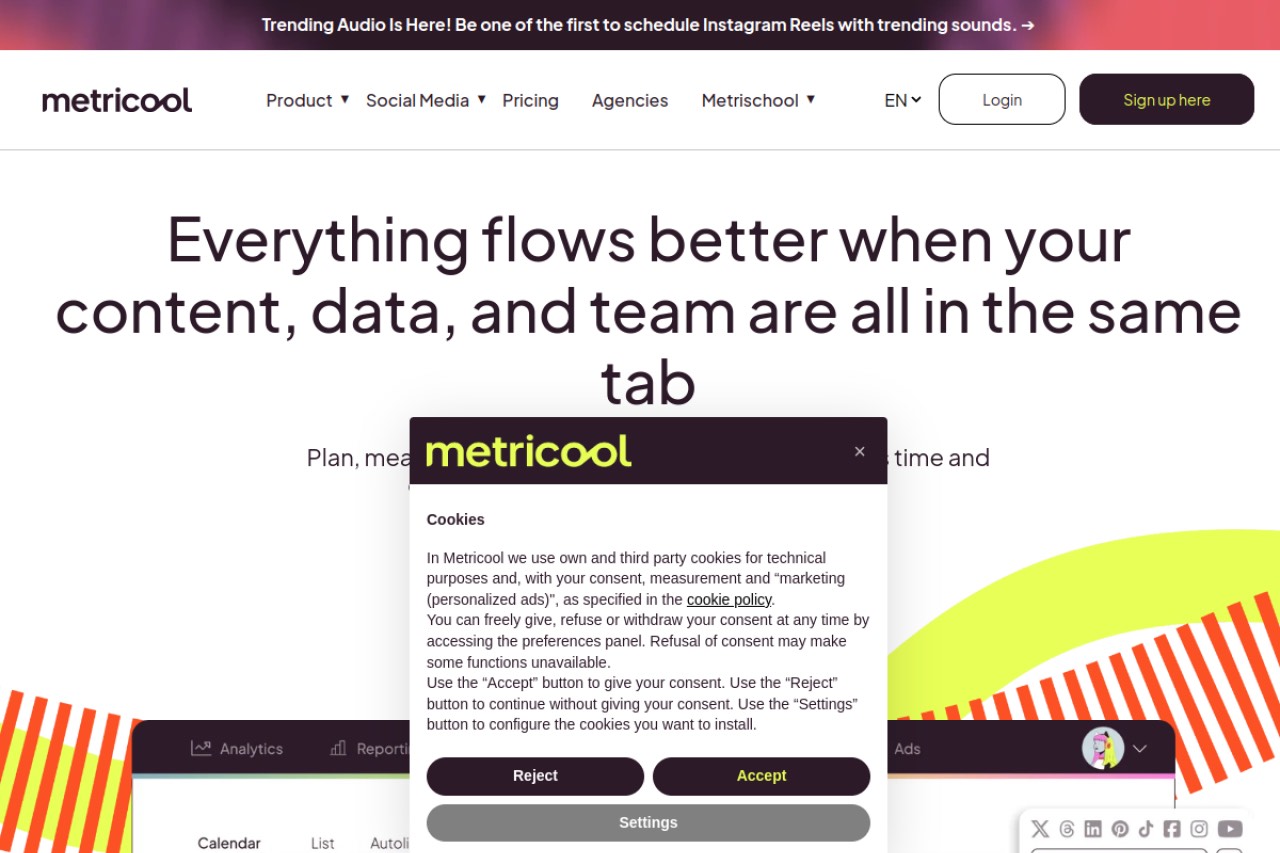
Metricool gives you the strongest free analytics dashboard in this list. It also reports on Google, Meta and TikTok ads next to your organic posts. The trade-off is real. The free plan skips LinkedIn and X, and there is no recycling.
Key features
- Scheduling plus a deep analytics dashboard
- Google, Meta and TikTok ads reporting
- Best-time-to-post guidance
- One brand on the free plan
Pros
- Strongest free analytics in the category
- Ads reporting sits next to organic
- 50 free posts a month is generous
Cons
- Free plan leaves out LinkedIn and X
- No content recycling
- One brand only on free
Pricing: Free with 1 brand and 50 posts, without LinkedIn or X. Starter starts at $20 a month, though the vendor does not make the billing basis clear.
User reviews: 4.5/5 on G2 from 98 reviews, and 4.4/5 on Capterra from 98 reviews.
Best for: data-led creators who want free analytics and do not rely on LinkedIn or X.
4. Vista Social, best free network coverage
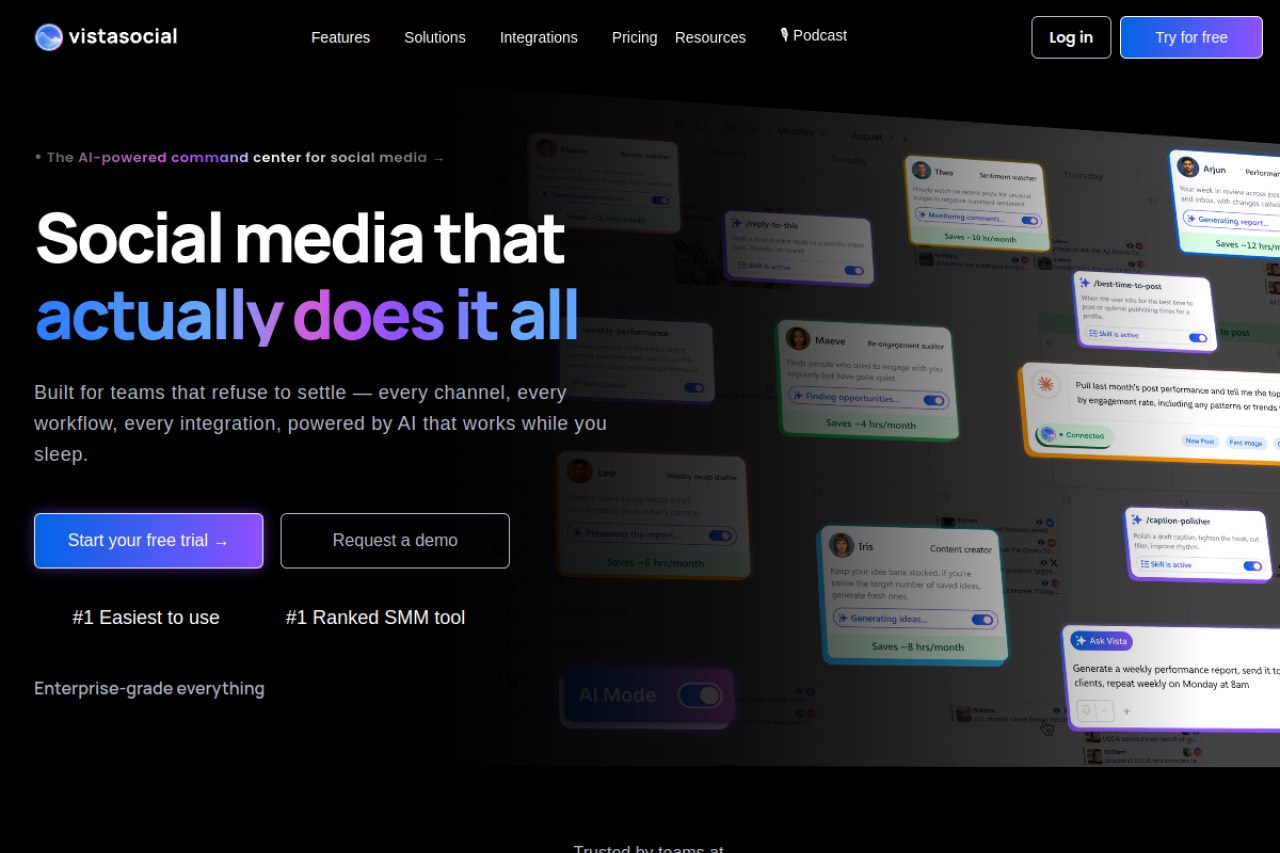
Vista Social connects more networks on a free plan than almost anything else here. It also adds DM automation and review management, which most rivals reserve for paid tiers. Recycling exists but is limited.
Key features
- Support for 13 or more networks
- DM automation and review management
- Limited content recycling
- Three profiles on the free plan
Pros
- Broadest network list on a free plan
- Review management built in
- Modern, capable interface
Cons
- Recycling is thin next to dedicated tools
- One user on the free plan
- The paid jump is steep
Pricing: Free with 3 profiles and 1 user. Professional costs $79 a month, the highest entry price in this list.
User reviews: 4.8/5 on G2 from 1,118 reviews, and 4.9/5 on Capterra from 919 reviews. That is the highest score here.
Best for: people managing many networks who want the widest free coverage.
5. RecurPost, best free tier that still recycles
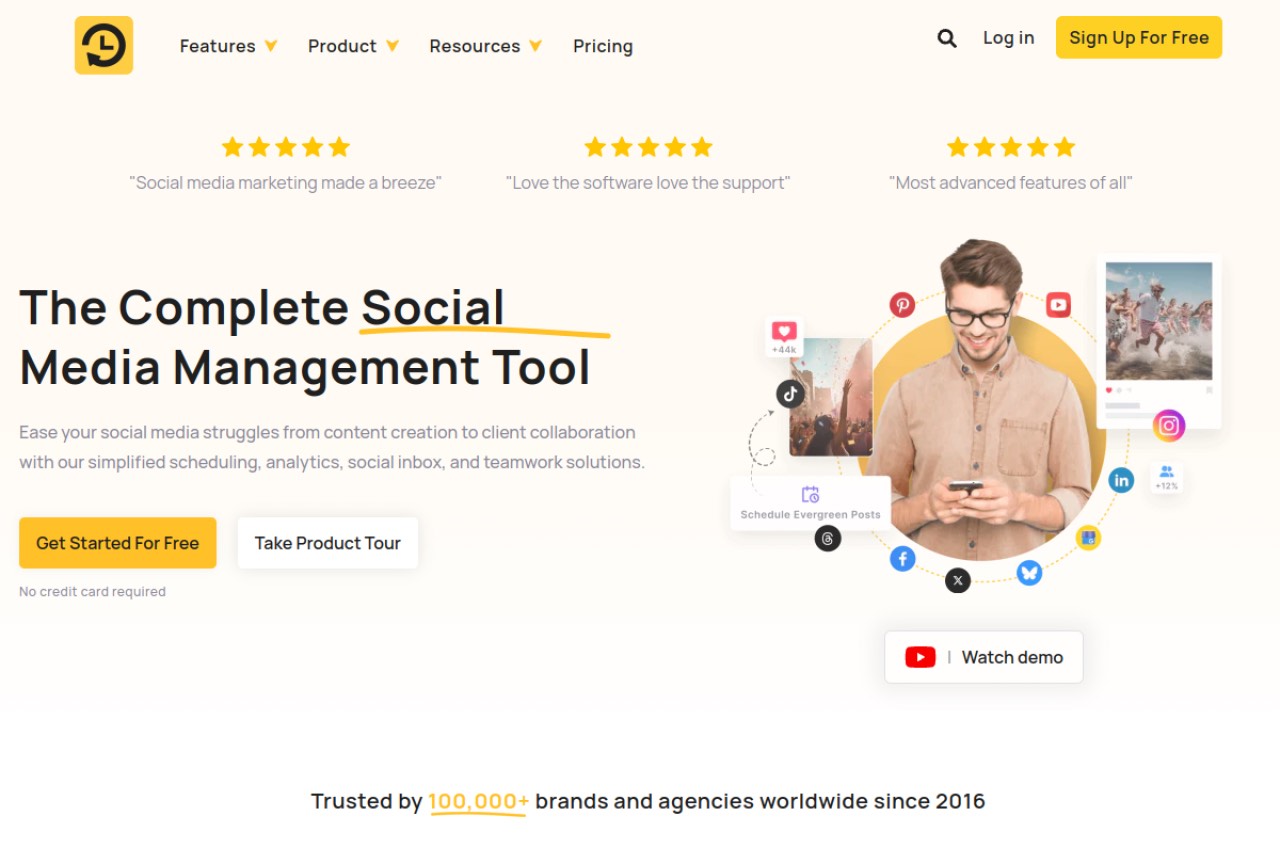
RecurPost is the cheapest tool built around recycling, and one of the last with recycling on a free tier. RecurPost's free plan now covers 3 profiles, 10 recurring posts and 1 user. Recurring time slots come with every plan, including the free one.
Key features
- Evergreen libraries and recurring time slots on every plan
- Google Business Profile support and AI captions
- Instagram DM automation and a social inbox
- White-label reports on higher tiers
Pros
- Cheapest true recycling
- Recurring slots on all tiers
- Wide network list
Cons
- Analytics and approval sit on the top tier
- Instagram needs a workaround and profiles sometimes disconnect
- The free plan has shrunk over time
- Recycles the same text word for word, with no AI refresh
Pricing: Free with 3 profiles, 10 recurring posts and 1 user. Starter costs $9 a month, which is $324 over three years.
User reviews: 4.7/5 on G2 from 65 reviews, and 4.7/5 on Capterra from 170 reviews.
Best for: people who need cheap recycling and can live with a small free tier.
6. BuntingPost, best free AI-written posts from content you already have
BuntingPost is the LinkedIn autopilot for founders, not a general scheduler. It is used by 129+ founders. You connect sources you already publish, such as a testimonials page, a blog RSS feed, a changelog or your X account. The AI writes LinkedIn posts from them in your voice, following plain-English instructions you set once. BuntingPost is our product, so read this entry as the maker's pitch.
One thing to be clear about in a list of free schedulers: the free plan does not schedule or publish anything. It connects 1 source and writes 4 posts a month, free forever, with no card. You publish those posts yourself by copy-paste. Autopilot publishing, where posts are held for your approval and then go out on their own, starts at $49 once.
Key features
- AI writes LinkedIn posts from sources you already publish, in your voice
- Plain-English standing instructions and a defined target audience
- A review window on paid plans, so you approve, edit or skip each post
- X-to-LinkedIn repurposing that rewrites posts for LinkedIn's format, never cross-posts
- Evergreen engine on paid plans that reruns your best posts, rewritten fresh, never word for word
- Per-post analytics on paid plans
Pros
- Posts come from content you already have, so there is no blank page
- Free plan is permanent, not a trial
- Paid plans are one-time payments, so cost does not grow over time
- Nothing publishes unseen; every post waits for your approval
Cons
- The free plan does not publish; you copy-paste each post yourself
- LinkedIn and X only, with no Instagram or TikTok support
- New product, so there is no third-party review history yet
Pricing: Free forever with 1 source, 4 AI-written posts a month and copy-paste publishing. Starter is $49 once for 1 LinkedIn profile on autopilot, 3 sources, 15 posts a month and X-to-LinkedIn repurposing. Pro is $99 once and adds a company page, unlimited sources and 31 posts a month per account. Agency is $199 once for 5 LinkedIn accounts across client workspaces. There is no monthly fee, so three years on Starter still costs $49, and paid plans carry a 7-day money-back guarantee. It publishes to LinkedIn and X. Instagram is not supported; other channels may follow.
User reviews: No verified third-party rating yet.
Best for: founders and solo brands whose platforms are LinkedIn and X and who want posting to run itself from content they already have.
7. Zoho Social, best free scheduler for Zoho users
Zoho Social offers a free plan for one brand and one user. It handles core scheduling well. It makes most sense if you already use Zoho CRM or the wider Zoho suite, because the integrations are the real draw.
Key features
- Free plan covering one brand for one user
- Scheduling and publishing across the major networks
- Tight links to Zoho CRM and other Zoho apps
- Clean, business-oriented interface
Pros
- Strong fit for existing Zoho customers
- Reliable core scheduling
- Very high review volume
Cons
- Free plan covers one brand and one user only
- No evergreen recycling
- Less compelling outside the Zoho suite
Pricing: Free for a single brand and user. Standard costs $15 a month, which is $540 over three years.
User reviews: 4.6/5 on G2 from 2,945 reviews, and 4.7/5 on Capterra from 3,449 reviews.
Best for: small businesses already using Zoho who want free scheduling for one brand.
8. Postiz, best open-source option you can self-host
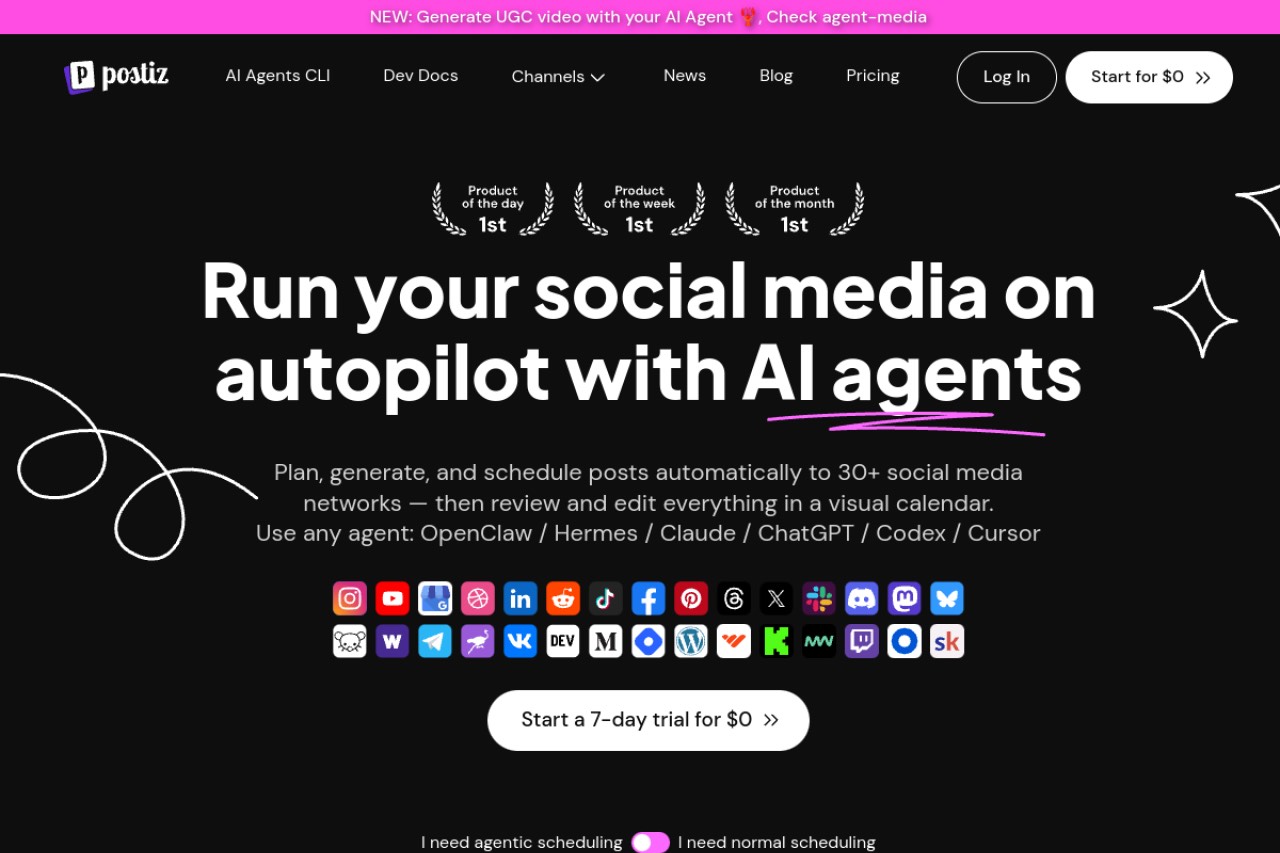
Postiz is open source, so you can run it on your own server for free. It supports 30 or more networks, including Bluesky and Mastodon. The cloud version is paid, so the free path means setting up and maintaining a server yourself.
Key features
- Open source and free when you self-host
- 30 or more networks, including Bluesky and Mastodon
- Repeating posts
- Agent and MCP integrations
Pros
- Free forever if you self-host
- Widest network list here
- Open source, so you can extend it
- Large developer following, at 33,448 GitHub stars
Cons
- No free cloud plan
- Self-hosting needs real technical skill
- Smaller review base than the big hosted tools, at 51 G2 reviews
Pricing: Free when self-hosted. The Standard cloud plan costs $29 a month, which is $1,044 over three years.
User reviews: 4.8/5 on G2 from 51 reviews. Its Capterra listing has a single review, so the G2 figure is the one to trust. Its 33,448 GitHub stars are a popularity signal, not a rating.
Best for: technical users who want a free, self-hosted scheduler with the widest network coverage.
9. SocialBee, best paid recycling if you can skip free
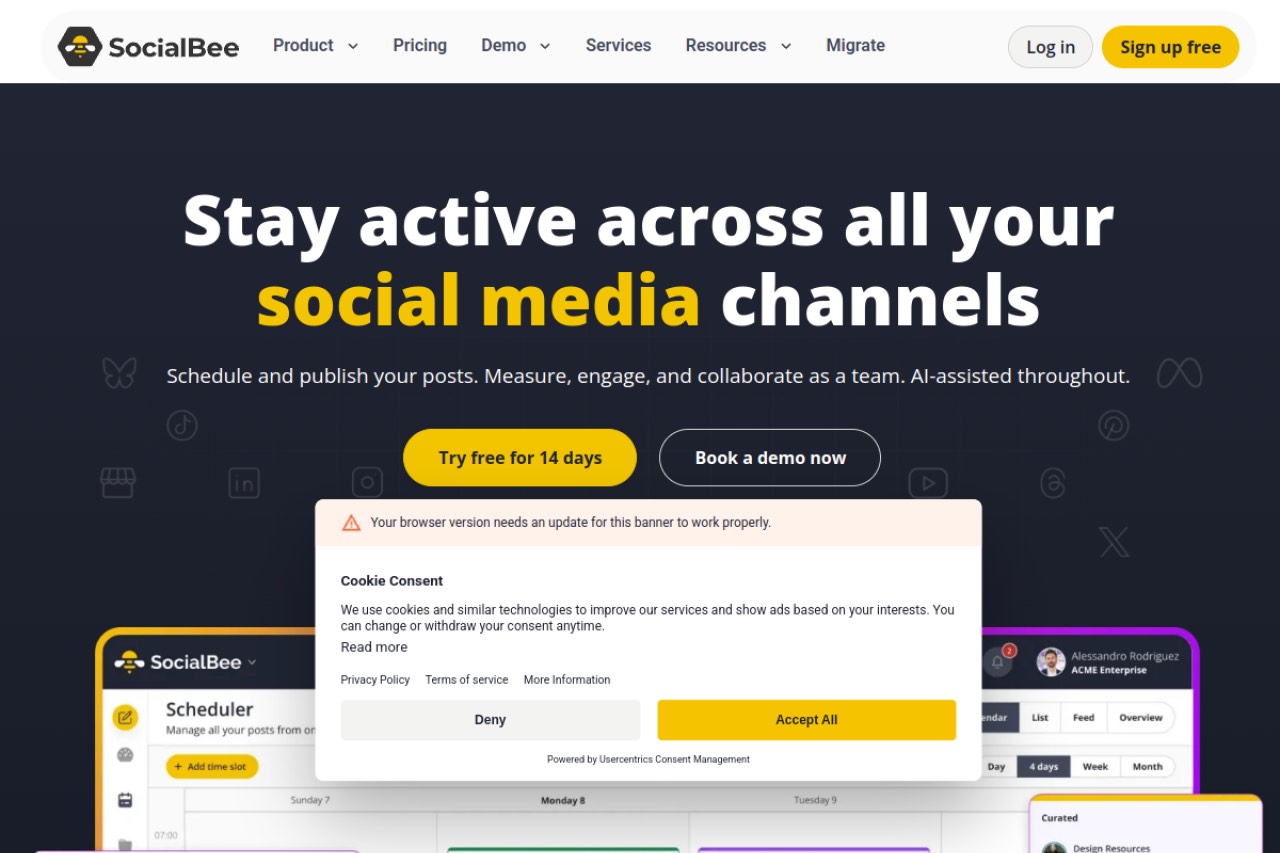
SocialBee has no free plan, only a 14-day trial. It earns a place here because its category-based recycling is the best of the traditional set. Its AI Copilot can build a whole posting plan from a short brief. You pay from day one.
Key features
- Category-based evergreen recycling
- AI Copilot that generates full content strategies
- RSS-to-social automation
- Wide network coverage
Pros
- Strongest AI generation of the recycling tools
- Category recycling done well
- Good value for solo users on paid plans
Cons
- No free plan, only a 14-day trial
- One workspace on the entry tier
- Real learning curve
- The AI writes new posts but does not refresh recycled ones
Pricing: No free plan. Bootstrap costs $29 a month, which is $1,044 over three years.
User reviews: 4.7/5 on G2 from 478 reviews, and 4.4/5 on Capterra from 39 reviews. The Capterra sample is small, so weigh it lightly.
Best for: solos who want strong AI-assisted recycling and are willing to pay for it.
Crowdfire is discontinued, do not sign up
Crowdfire used to appear on lists like this one. It is gone. Crowdfire shut down on 15 May 2025 and deleted user data on 30 June 2025, according to its own farewell announcement. Its old review listings still show a score, but they describe a product that no longer exists. Ignore any guide that still recommends it.
Free plan limits and three-year cost compared
This table sets each free plan against the cheapest paid tier. The chart below it shows what that tier adds up to over three years, which is the number that matters once you outgrow free.
| Tool | Free plan limit | Cheapest paid tier |
|---|---|---|
| BuntingPost | 1 source, 4 AI-written posts/month, publish by copy-paste | $49 once (Starter) |
| Publer | 3 accounts, 10 posts each | $5/mo (Professional) |
| RecurPost | 3 profiles, 10 recurring posts | $9/mo (Starter) |
| Buffer | 3 channels, 10 posts each | $5/mo per channel (Essentials) |
| Zoho Social | 1 brand, 1 user | $15/mo (Standard) |
| Metricool | 1 brand, 50 posts, no LinkedIn or X | from $20/mo (Starter) |
| Postiz | Free when self-hosted | $29/mo (Standard cloud) |
| SocialBee | None, 14-day trial only | $29/mo (Bootstrap) |
| Vista Social | 3 profiles, 1 user | $79/mo (Professional) |
Here is the maths, done for you. BuntingPost Starter costs $49 once, so three years costs $49. RecurPost Starter costs $324 over the same three years, so BuntingPost saves you $275, or 85%. Against SocialBee Bootstrap at $1,044, BuntingPost saves $995, or 95%. If you want a $0 tier that actually schedules and publishes posts, Buffer, Publer, Metricool and Vista Social are your options.
How to choose the right free scheduler
Work through these questions in order. Stop at the first one that matches you.
Do you want your best posts to keep running automatically?
- Yes, and it must be free: RecurPost's free tier recycles 10 posts word for word. BuntingPost's free plan does not schedule; it only writes posts you paste yourself.
- Yes, and I will pay a little: BuntingPost Starter is $49 once and reruns your best posts with AI rewrites, on LinkedIn and X. RecurPost Starter is $9 a month.
- No, I just need simple one-off scheduling: choose Buffer or Publer.
Do you mind if recycled posts repeat word for word?
- I want them rewritten: BuntingPost is the only tool here that rewrites each repeat with AI, on its paid plans and only for LinkedIn and X.
- Word-for-word repeats are fine: RecurPost's free tier works. Publer's Spintax rotates preset wording.
Is analytics your priority?
- Yes: Metricool has the strongest free analytics, but no LinkedIn, X or recycling.
- No: put recycling and AI first instead.
How many networks do you manage?
- Many: Vista Social covers 13 or more on free. Self-hosted Postiz covers 30 or more.
- A handful: Buffer or Publer cover the mainstream networks on free.
Are you comfortable running your own server?
- Yes: Postiz is free and open source when you self-host.
- No: pick a hosted free plan such as Buffer, Publer, Metricool or Vista Social.
Use-case cheat sheet
| Scenario | Best pick | Why |
|---|---|---|
| Simplest possible free scheduling | Buffer | Cleanest interface and a permanent free plan |
| Highest-rated free all-rounder | Publer | 4.7/5 on G2 from 521 reviews, 4.8/5 on Capterra from 957 |
| Free analytics dashboard | Metricool | Strongest free reporting, though no LinkedIn or X |
| Managing many networks for free | Vista Social | 13 or more networks on the free plan |
| Keeping evergreen posts running for free | RecurPost | Free tier still recycles, at 10 recurring posts |
| Repeated posts that do not read like reruns | BuntingPost | AI rewrites each repeat on LinkedIn and X; paid, from $49 once |
| Already using the Zoho suite | Zoho Social | Free single-brand plan and tight Zoho links |
| Full control and self-hosting | Postiz | Open source and free on your own server |
| Strongest AI recycling, paid is fine | SocialBee | AI Copilot plus category recycling, $29/mo |
| Lowest three-year cost | BuntingPost Starter | $49 once, so three years costs $49 |
| Cheapest monthly recycling plan | RecurPost Starter | $9/mo, or $324 over three years |
| Avoid entirely | Crowdfire | Shut down in May 2025 and deleted user data |
Ratings and prices checked July 2026.
Frequently asked questions about free plans
What is the best free social media scheduler?
Is there a truly free social media scheduler?
Do I lose my scheduled posts if I stay on the free plan?
Do free social media schedulers add watermarks?
Is a free plan enough for a small business?
Frequently asked questions about recycling and AI
Which free scheduler includes content recycling?
What is the difference between recycling and refreshing content?
Which free scheduler supports the most platforms?
Is Crowdfire still a good free option?
Frequently asked questions about cost
What is the cheapest social media scheduler?
How much does a scheduler cost once I outgrow the free plan?
Is per-channel pricing more expensive than flat pricing?
The bottom line
Buffer is the best free social media scheduler in 2026, because its free plan is simple and permanent. Publer is the pick if you want caption variation. Metricool wins on free analytics, and Vista Social on network coverage. Just know that Buffer's free plan has no recycling at all. If cheap recycling is what you need, RecurPost is the place to start. To go deeper on AI features, our AI social media scheduler guide covers the field.
And if your platforms are LinkedIn and X, BuntingPost's free plan costs nothing to try: it writes posts from content you already publish, and you paste them in yourself. Autopilot publishing, with your best posts rerun and rewritten fresh, is $49 once.
Disclosure: BuntingPost is our product. Where it appears in the comparisons and recommendations above, read it with that in mind. Prices, limits, and ratings for every tool, ours included, are checked against the sources named on this page. Read how we review.
Made it this far? Take the swipe file
30 LinkedIn post prompts for founders, organized by source: your changelog, your customers, your numbers, your opinions. The link is yours immediately, plus the occasional practical guide on LinkedIn for founders.
Optional. No spam, unsubscribe anytime.




