Best Social Media Schedulers for Instagram (and What Free Still Covers)
Instagram schedulers compared since Later dropped its free plan: what auto-publishes Reels and Stories, what free still covers, and what each costs.
On this page
The best social media scheduler for Instagram in 2026
The best-known Instagram scheduler stopped being free in 2025, which changed this comparison more than any new feature did. The best social media scheduler for Instagram in 2026 is Later, because it was built for Instagram first and still has the strongest drag-and-drop grid planner. It auto-publishes feed posts and Reels. The catch is cost. Later dropped its free plan in 2025, so you pay from $18.75/mo on annual billing. If you want to spend nothing, Meta Business Suite is the best free native option, Planoly is the best free grid planner, and Buffer is the simplest free cross-platform tool.
Key takeaways
| Tool | Best for | Entry price | User rating (G2 / Capterra) |
|---|---|---|---|
| Later | Drag-and-drop grid planning (best overall) | $18.75/mo annual, no free plan | 4.5/5 (384) / 4.4/5 (399) |
| Meta Business Suite | Free native Instagram and Facebook | Free | No verified rating |
| Planoly | Grid planning on a free tier | $14/mo, free tier available | 4.3/5 (67) / 4.3/5 (56) |
| Buffer | Simple free cross-platform posting | $5/mo per channel annual, free tier | 4.3/5 (1,039) / 4.5/5 (1,492) |
Ratings and prices checked July 2026. Each rating shows the G2 score and review count first, then Capterra. Prices are the cheapest paid tier on annual billing where the vendor offers it.
What Instagram content you can schedule in advance
Instagram lets third-party tools publish through its Content Publishing API. What a tool can automate depends on that API, not on how much you pay.
- Feed posts and carousels: fully auto-published by every major scheduler.
- Reels: auto-published by most schedulers. Check your plan before you buy, because some vendors gate it.
- Stories: support varies. Some tools publish direct. Others send you a phone reminder and you tap publish yourself.
- Instagram Live: cannot be scheduled by any tool. You start it by hand.
One more limit applies to every tool on this page. Instagram only allows API publishing from a Business or Creator account linked to a Facebook Page. A personal account will not connect.
Problems people hit with Instagram schedulers
Most complaints about Instagram schedulers come down to four things. Knowing them up front saves you a refund request.
- Free plans keep shrinking. Later ran a free tier for years and removed it in 2025. Assume today's free plan is not permanent, and check what the paid tier costs before you commit.
- Per-channel pricing adds up fast. Buffer charges $5/mo per channel on annual billing. Four channels is $20/mo, not $5.
- Stories automation is uneven. A tool can be excellent at feed posts and still make you publish Stories by hand.
- Nothing recycles your best posts. None of the four tools here re-posts an evergreen winner for you. Once a Reel has run, it stops working unless you rebuild it yourself.
How to work around these problems
| Problem | What to do about it |
|---|---|
| Free plan may be withdrawn | Pick a tool whose paid price you would accept anyway. Export your calendar every quarter. |
| Per-channel pricing | Count your channels first, then multiply. Compare that total, not the headline rate. |
| Stories not automated | Use reminder publishing and batch your Stories into one sitting per week. |
| No content recycling | Keep a shortlist of your top Reels and carousels. Rewrite the caption and reschedule every 60 to 90 days. |
What to look for in an Instagram scheduler
Five criteria separate a good Instagram scheduler from a generic one. Score each tool against all five before you pay.
1. Feed and Reels auto-publishing
Confirm the tool auto-publishes both feed posts and Reels, not just single images. Reel publishing runs through the Instagram API. Check it is included on the plan you intend to buy.
2. A real drag-and-drop grid preview
A grid preview shows how your profile will look before you publish. Some tools show a static thumbnail strip and call it a grid. You want one you can drag posts around in.
3. Total cost for your channel count
Work out the price for the number of accounts you run. A flat monthly rate and a per-channel rate look similar at one channel. They diverge quickly at four.
4. Stories handling
Decide whether reminder publishing is acceptable. If you post Stories daily, a reminder means you still open the app daily. That may cancel out the time you hoped to save.
5. Content recycling
Recycling re-posts your best evergreen content so it keeps earning. No tool in this guide offers it for Instagram, so plan to do it by hand. Reposting the same file word for word tends to underperform, so change the caption and the hook. Our AI scheduler guide covers how AI rewriting handles this on other platforms.
How we evaluate Instagram schedulers
Instagram scheduling has sharp edges: what auto-publishes and what needs a reminder notification differs by tool and format. So:
- Format support: Reels, Stories, and carousel behaviour taken from each vendor's published feature docs, with reminder-only publishing flagged.
- Pricing: from vendor pricing pages with the check date in this post.
- Free plans: published limits only.
- Ratings: from G2 and Capterra, opened and verified, with review counts shown. Scores we cannot confirm are left out.
- Ownership: BuntingPost is our product. It is mentioned in this post but not ranked, because it does not support Instagram.
The four best Instagram schedulers compared
Later: best for visual grid planning
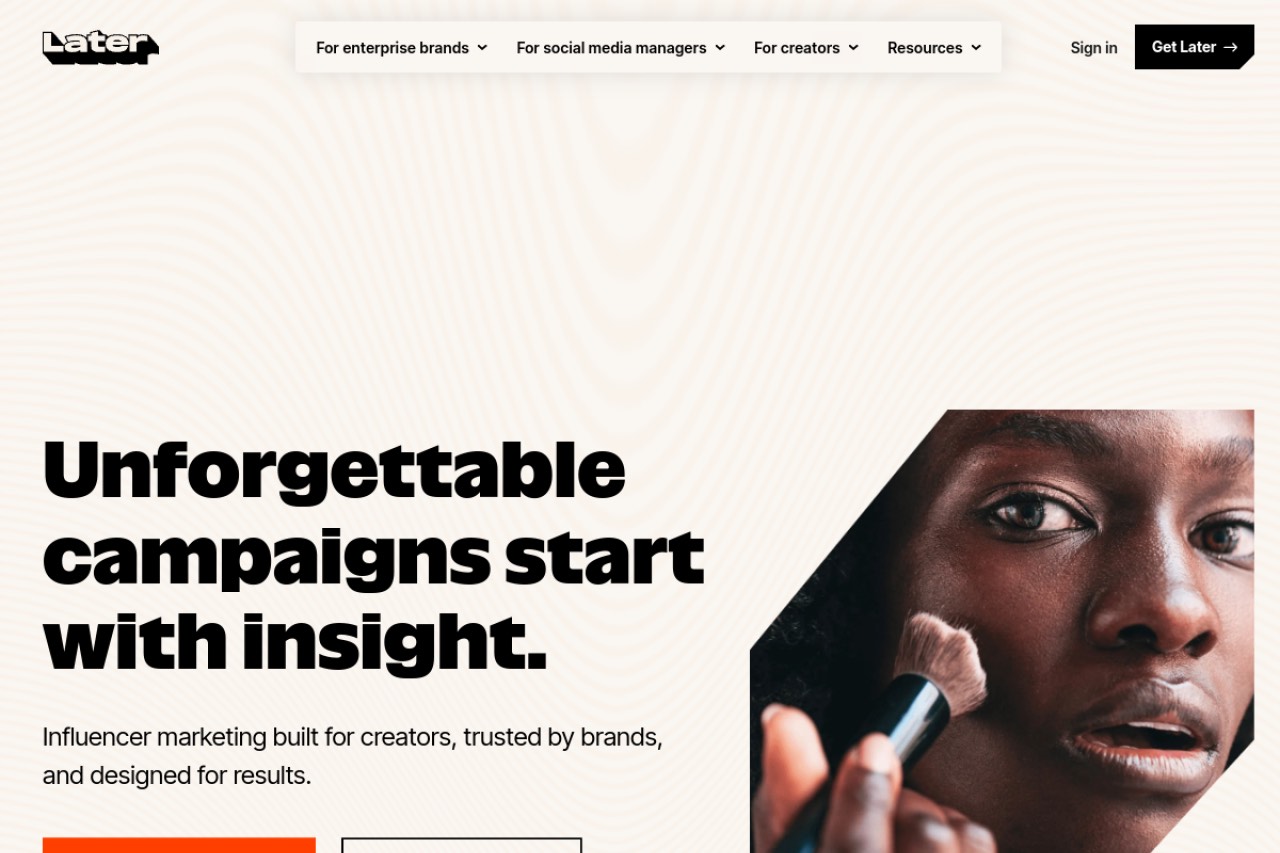
Later was built for Instagram before it added other networks. It still has the best drag-and-drop grid planner of any tool here. It is the right pick if your feed layout is part of your brand and you accept a paid subscription. Read our full Later review for the detail.
Key features
- Drag-and-drop visual grid planner for feed layout
- Auto-publishing for feed posts, carousels and Reels
- Linkin.bio landing pages for shoppable links
- Hashtag suggestions and saved hashtag groups
- Shared content calendar across networks
Pros
- Best-in-class grid preview, and it is genuinely drag-and-drop
- Instagram-first design, so the Instagram workflow is not an afterthought
- Linkin.bio is useful if you sell through your profile link
Cons
- No ongoing free plan since 2025. Trial only, which annoyed long-time users.
- The most expensive entry price in this guide
- No content recycling
- Weaker than Metricool or Publer if you post heavily outside Instagram
Pricing: Starter is $18.75/mo on annual billing. There is no ongoing free plan, only a trial.
User reviews: 4.5/5 on G2 from 384 reviews, and 4.4/5 on Capterra from 399 reviews.
Best for: Instagram-first brands where feed appearance matters more than price.
Planoly: best free grid planner
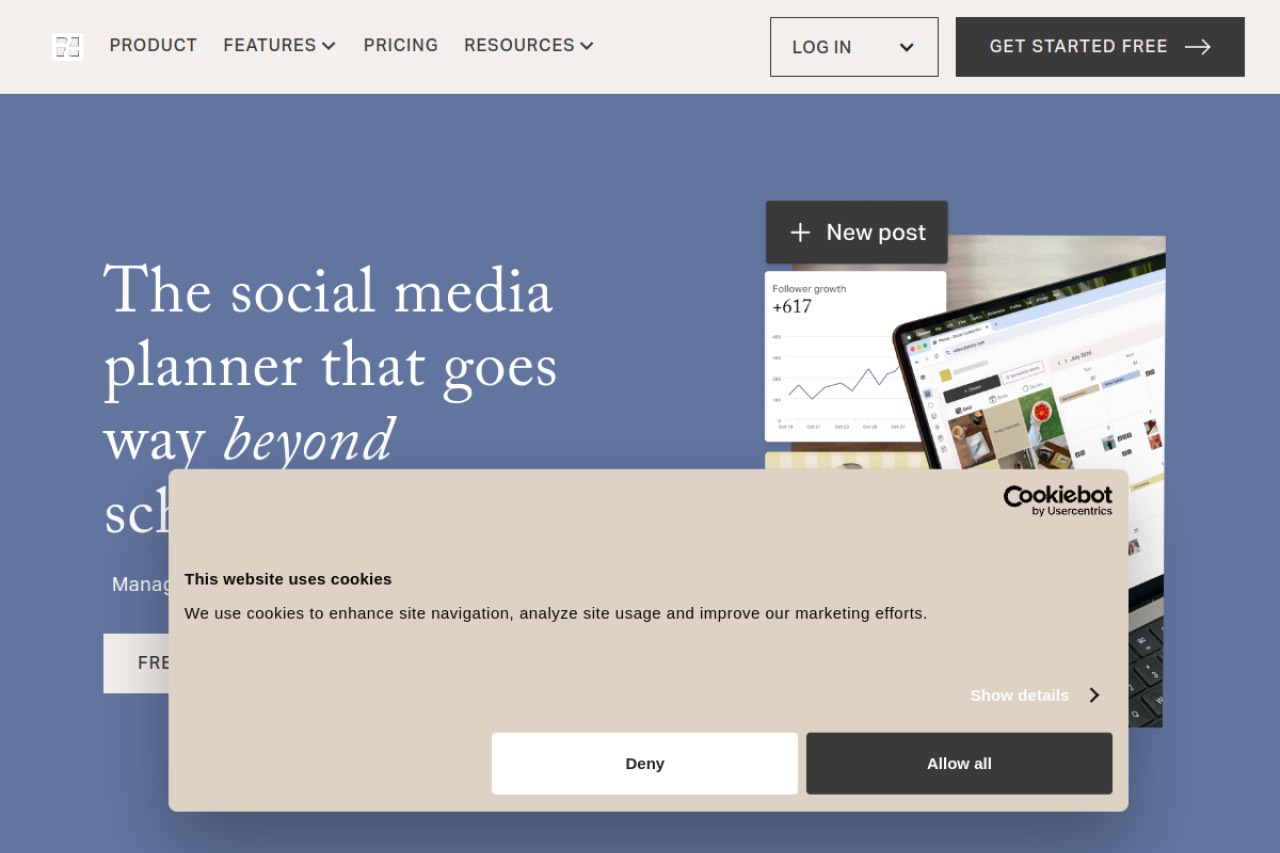
Planoly is a visual-first Instagram planner with a strong grid preview and a free tier. It suits creators who care about feed layout but are not ready to pay. It is a planner more than a full scheduler, so its automation and multi-network depth are lighter than Later's.
Key features
- Visual grid preview for planning feed layout
- Content calendar with drag-and-drop rescheduling
- Auto-publishing for feed posts and Reels
- Free tier available, so you can plan before you pay
Pros
- A free tier, which Later no longer has
- Cheapest paid entry of the two grid planners here
- Simple enough to learn in an afternoon
Cons
- Lightest automation of the four tools
- Thin support for networks outside Instagram and Pinterest
- Smallest review base here, so there is less user feedback to read
- No content recycling
Pricing: Starter is $14/mo. A free tier is available, but Planoly does not publish its exact limits in a form we could verify, so check the signup page before you plan around it.
User reviews: 4.3/5 on G2 from 67 reviews, and 4.3/5 on Capterra from 56 reviews.
Best for: creators who want grid planning without an upfront cost.
Buffer: best simple free cross-platform tool
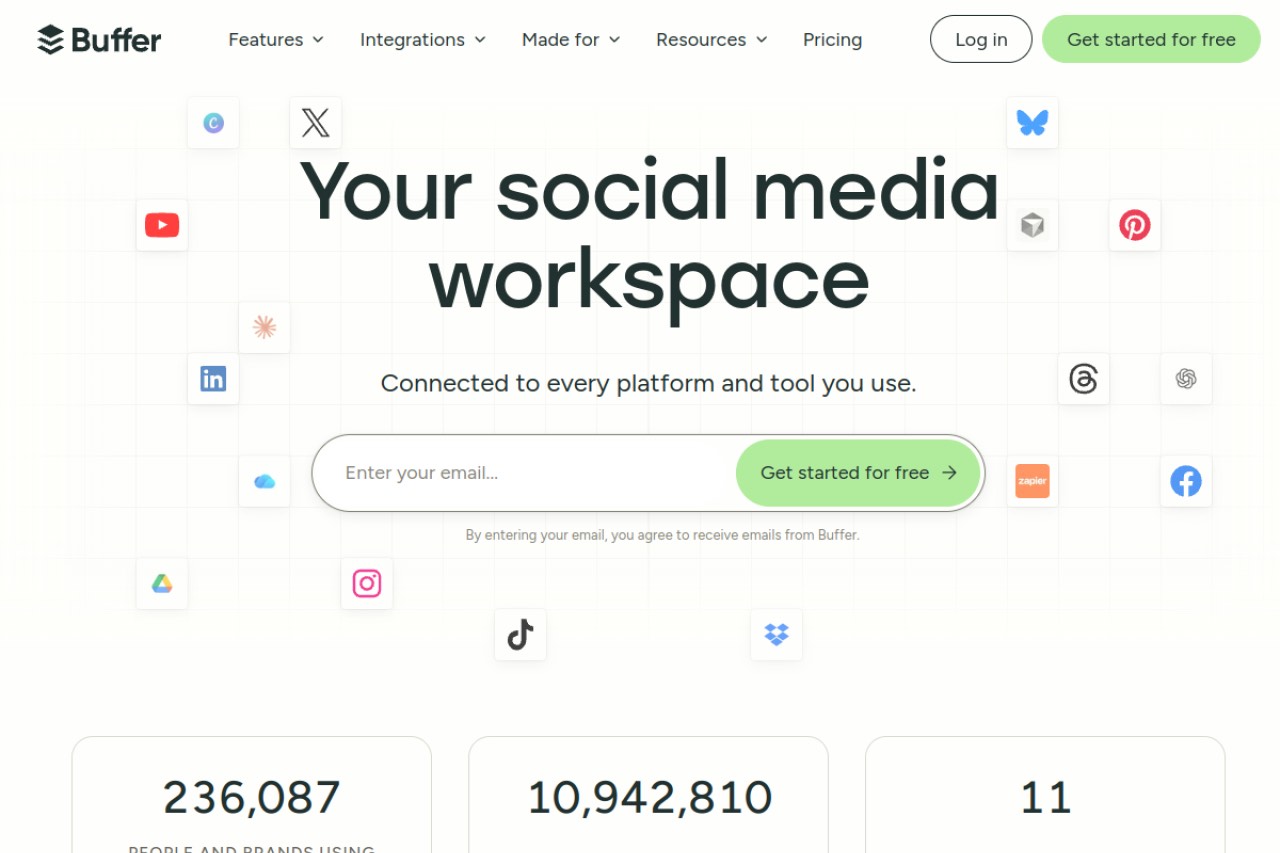
Buffer is the easiest way to schedule Instagram posts alongside other networks. It has a permanent free plan and the largest review base of any tool here. It is not an Instagram specialist, so the grid preview is basic. Our free Buffer alternative guide covers Buffer and its rivals in depth.
Key features
- Queue-based scheduling across Instagram, Facebook, X, LinkedIn and more
- Permanent free plan covering 3 channels and 10 scheduled posts each
- Auto-publishing for feed posts and Reels
- Basic engagement analytics on paid plans
Pros
- Simplest tool here to learn, which matters if nobody owns social full time
- A free plan that has stayed free
- Largest verified review base of the four, at 1,039 G2 reviews and 1,492 on Capterra
Cons
- Grid preview is basic, so it is a poor fit for layout-led brands
- No content recycling
- Per-channel pricing gets expensive once you pass three or four channels
Pricing: Free plan for 3 channels with 10 scheduled posts each. Essentials is $5/mo per channel on annual billing, so four channels is $20/mo.
User reviews: 4.3/5 on G2 from 1,039 reviews, and 4.5/5 on Capterra from 1,492 reviews.
Best for: simple free scheduling across a few networks at once.
Meta Business Suite: best free native option
Meta Business Suite is Instagram's own scheduling tool. It covers Instagram and Facebook together and costs nothing. Because it is native, it does not depend on third-party API access, so publishing is reliable. The trade-off is that it stops at Meta's own platforms.
Key features
- Free scheduling for Instagram and Facebook from one inbox
- Native publishing for feed posts, carousels, Reels and Stories
- Built-in insights for both platforms
- Shared inbox for comments and messages
Pros
- Free, with no post or channel caps
- Most reliable publishing, because Meta runs both ends
- Gets new Instagram formats first
Cons
- Instagram and Facebook only. No X, LinkedIn, Pinterest or TikTok.
- No grid planner worth the name
- No content recycling
- The interface changes often and without warning
Pricing: Free.
User reviews: No verified third-party rating yet. Meta Business Suite is not listed separately on G2 or Capterra.
Best for: businesses that only post to Instagram and Facebook.
How to choose your Instagram scheduler
Answer one question and the choice usually makes itself.
- Does your feed layout sell for you? Choose Later. Budget $18.75/mo on annual billing.
- Want grid planning at no cost? Choose Planoly and use the free tier.
- Post to Instagram and Facebook only? Choose Meta Business Suite. Paying for a third-party tool buys you nothing here.
- Post to four or more networks? Choose Buffer, but price it per channel first.
- Need your best posts to run again automatically? No Instagram tool does this yet. Plan to recycle by hand.
Which Instagram scheduler fits your situation
| Your situation | Pick | Why |
|---|---|---|
| Solo creator, feed layout is the brand | Later | Only true drag-and-drop grid planner |
| Creator with no budget | Planoly | Free tier still includes a grid preview |
| Local shop on Instagram and Facebook | Meta Business Suite | Free and native, nothing else needed |
| Small team posting to 4 or more networks | Buffer | One queue for every network |
| Selling through your profile link | Later | Linkin.bio is built in |
| Reels-heavy account | Buffer or Later | Both auto-publish Reels without a reminder |
| Daily Stories poster | Meta Business Suite | Native Stories publishing, no reminder step |
| Agency running client Instagram accounts | Later | Shared calendar plus per-client grid preview |
| Non-technical owner, no social manager | Buffer | Shortest learning curve here |
| Wants evergreen posts recycled | None of these | No Instagram tool recycles content yet |
Five habits that make scheduling worth the effort
- Batch your creation. Shoot and edit in one session, then schedule the lot.
- Schedule for when your own audience is active. Use your account insights, not a generic best-times chart.
- Save hashtag groups so you are not retyping them every post.
- Keep a shortlist of your best Reels and carousels. Rewrite and reschedule them every 60 to 90 days.
- Leave gaps for real-time posts. A fully booked calendar leaves no room to react.
Where BuntingPost fits
BuntingPost is our product and the tool behind this blog, and it does not support Instagram. That is why it is not ranked above. It is the LinkedIn autopilot for founders, used by 129+ founders: you connect sources you already publish, such as case studies and testimonials, a blog RSS feed, a changelog or release notes, or an X account, and the AI writes LinkedIn posts from them in your voice, holding every post for your approval before it publishes. It publishes to LinkedIn and X only; other channels may follow. Pricing starts free: the free plan writes posts from one source and you publish them yourself by copy-paste, while full autopilot publishing is $49 once. If Instagram is your channel today, pick from the four tools above. BuntingPost is only relevant here as a sidecar, if you also post on LinkedIn or X alongside Instagram.
Frequently asked questions
Picking a tool
What is the best Instagram scheduler in 2026?
Is there a free Instagram scheduler?
Does Later still have a free plan?
What you can and cannot automate
Can you schedule Instagram Reels in advance?
Can you schedule Instagram Stories?
Can you schedule an Instagram Live?
Do I need a Business account to use a scheduler?
Cost and recycling
How much does an Instagram scheduler cost?
Can an Instagram scheduler recycle my best posts automatically?
Made it this far? Take the swipe file
30 LinkedIn post prompts for founders, organized by source: your changelog, your customers, your numbers, your opinions. The link is yours immediately, plus the occasional practical guide on LinkedIn for founders.
Optional. No spam, unsubscribe anytime.




