The Best Small Business Social Media Scheduler Isn't the Famous One
The best-known schedulers aren't the best value for a small business. Five tools compared on price, free plans, and verified user ratings.
On this page
The best social media scheduler for small business in 2026
The most famous schedulers are not the best value for a small business. The best social media scheduler for small business in 2026 is Publer, because it does the most for the least money and holds the highest verified rating in this group. Buffer is the easier first step if you want a free plan and nothing to learn. Metricool wins if you care most about analytics. If your platforms are LinkedIn and X and your problem is running out of things to post, BuntingPost takes a different route: you connect content you already publish, such as your blog, changelog or X account, and its AI writes posts from it in your voice, holding each post for your approval before it publishes. The free plan writes posts you publish by copy-paste; full autopilot is $49 once.
Key takeaways
| Tool | Best for | Entry price | User rating (G2 / Capterra) |
|---|---|---|---|
| Publer | Most capability per dollar (best overall) | $5/mo, free tier | 4.7/5 (521) / 4.8/5 (957) |
| Buffer | Simplest free start | $5/mo per channel, free tier | 4.3/5 (1,039) / 4.5/5 (1,492) |
| Metricool | Analytics and reporting | From $20/mo, free tier | 4.5/5 (98) / 4.4/5 (98) |
| Later | Instagram-led visual brands | $18.75/mo, no free plan | 4.5/5 (384) / 4.4/5 (399) |
| BuntingPost | LinkedIn and X posting on autopilot from your existing content | $0, or $49 once | No verified rating |
Ratings and prices checked July 2026. Each rating shows the G2 score and review count first, then Capterra. Prices are the cheapest paid tier on annual billing where the vendor offers it.
Why small businesses struggle with social media scheduling
Most small businesses do not have a social media manager. The owner does it between other jobs. That creates four specific problems, and they are not the ones enterprise tools are built to solve.
- You run out of content, not out of scheduling slots. Filling a queue every week is the real work. The scheduler is the easy part.
- Per-channel pricing punishes small teams. Buffer charges $5/mo per channel on annual billing. Five channels is $25/mo for a tool you use twice a week.
- Subscriptions never stop. A $18.75/mo tool costs $675 over three years. That is real money for a business with no marketing budget.
- Free plans get withdrawn. Later ran a free tier for years and removed it in 2025. Plan for the paid price, not the free one.
How modern tools solve these problems
| Problem | The fix | Tools that do it |
|---|---|---|
| Running out of content | AI writes from content you already have, and recycling so a good post runs more than once | Publer (recycling), BuntingPost (AI writes from your existing content) |
| Per-channel pricing | Flat pricing that covers several accounts | Publer, Metricool |
| Never-ending subscription | One-time pricing instead of a monthly fee | BuntingPost ($49 once) |
| Free plan withdrawn | Pick a vendor whose paid tier you would accept anyway | Buffer, Publer, Metricool |
| No idea what is working | Built-in analytics rather than a separate reporting tool | Metricool, Publer |
What to look for in a small business scheduler
Six criteria matter for a small business. Enterprise features like approval chains and team permissions do not.
1. The networks your customers actually use
Publish to Instagram, Facebook, X and LinkedIn from one dashboard. Posting from one place is the biggest single time saver. Ignore how many networks a tool supports in total. Count the ones you post to.
2. Total cost at your account count
Multiply the per-channel rate by your channel count before you compare. A flat plan and a per-channel plan look the same at one account. At five they are very different.
3. A usable free tier
A free tier should cover at least 3 profiles and around 10 scheduled posts. Anything less is a demo, not a plan. Buffer and Publer both clear that bar.
4. A visual content calendar
A calendar view shows your whole month at a glance so you can spot gaps before they happen. This is what keeps posting consistent when nobody owns it full time.
5. Content recycling
Recycling re-posts your best evergreen content so you write less from scratch. Publer does this, and BuntingPost does it on its paid plans. Buffer, Metricool and Later do not. If you struggle to fill a queue, this feature matters more than any other on the list.
6. Analytics you will act on
Basic engagement numbers are enough for most small businesses. Only pay for competitor tracking and ad reporting if someone is going to read them each month.
How we evaluate small business schedulers
Small businesses pay from their own pocket, so cost over time is the first lens on every tool here:
- Three-year cost: worked out from each vendor's pricing page on annual billing, because monthly headline prices hide the real spend.
- Time to learn: setup and workflow claims from vendor docs, weighted for a team of one.
- Free plans: published limits only, trials labelled as trials.
- Ratings: from G2 and Capterra, opened and verified, with review counts shown. Scores we cannot confirm are left out.
- Ownership: BuntingPost is our product. It appears in this list with that disclosure, and it is never ranked above a tool that beats it on the criterion at hand.
The five best small business schedulers compared
Publer: best overall for small business
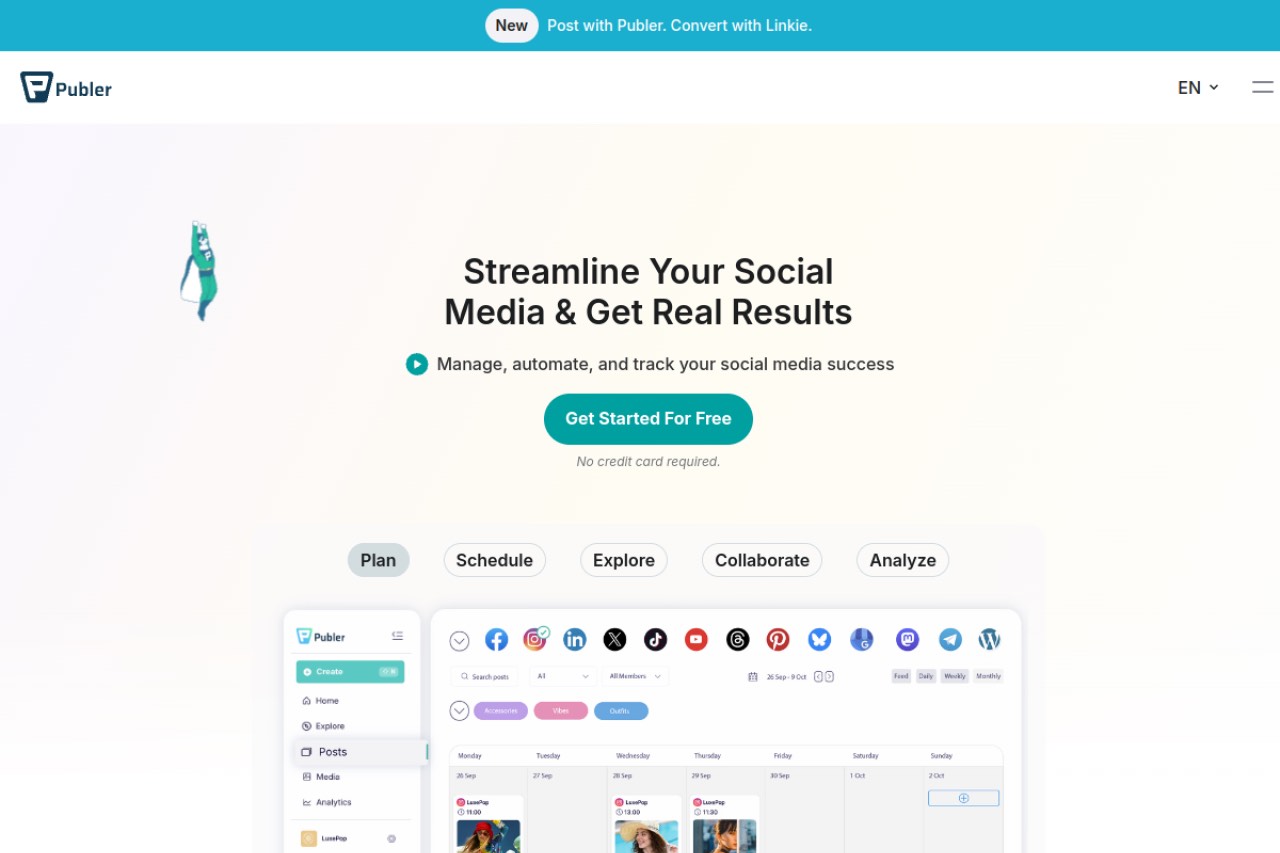
Publer does more than Buffer for a similar price, and it holds the highest verified rating of any tool in this guide. It recycles posts and generates variations, which is unusual at this price. It also appears in our best free social media scheduler guide.
Key features
- Scheduling for Instagram, Facebook, X, LinkedIn, Pinterest and more
- Content recycling for evergreen posts
- Post variations, so a recycled post is not identical each time
- Free plan covering 3 accounts and 10 scheduled posts each
- Bulk upload from a spreadsheet
- Built-in analytics on paid plans
Pros
- Highest verified rating here, at 4.7/5 across 521 G2 reviews and 4.8/5 across 957 Capterra reviews
- Recycling and variations at a price where competitors offer neither
- Wide network coverage, so you are unlikely to outgrow it
Cons
- Usage-based pricing is harder to predict than a flat fee
- More features means a longer learning curve than Buffer
- Analytics are lighter than Metricool's
Pricing: Free plan available. Professional starts at $5/mo for 1 account and scales with usage, so check your own account count before you commit.
User reviews: 4.7/5 on G2 from 521 reviews, and 4.8/5 on Capterra from 957 reviews.
Best for: small businesses that want recycling and wide network coverage cheaply.
Buffer: best for the simplest free start
Buffer is the easiest scheduler to learn. If nobody at your business has scheduled a post before, start here. It does less than Publer, and that is the point. Our free Buffer alternative guide covers where it falls short.
Key features
- Queue-based scheduling across the major networks
- Permanent free plan covering 3 channels and 10 scheduled posts each
- Clean content calendar
- Basic engagement analytics on paid plans
Pros
- Shortest learning curve of any tool here
- A free plan that has stayed free for years
- Large review base, so you can research it properly before committing
Cons
- No content recycling, so you refill the queue every week
- Per-channel pricing gets expensive past three channels
- Analytics are thin compared with Metricool
Pricing: Free plan for 3 channels with 10 scheduled posts each. Essentials is $5/mo per channel on annual billing, so five channels is $25/mo.
User reviews: 4.3/5 on G2 from 1,039 reviews, and 4.5/5 on Capterra from 1,492 reviews.
Best for: beginners who want a free plan and nothing to learn.
Metricool: best for analytics
Metricool pairs scheduling with the strongest reporting here, including competitor tracking and paid ad performance. Choose it if you will actually read the reports. If you will not, you are paying for a dashboard nobody opens.
Key features
- Cross-network analytics in one dashboard
- Competitor tracking
- Paid ad reporting alongside organic performance
- Free plan available
- Downloadable client-ready reports on paid plans
Pros
- Best analytics in this comparison by a clear margin
- Competitor tracking is rare at this price
- Useful if you also run paid ads
Cons
- No content recycling
- Most expensive entry price here apart from Later
- Metricool does not publish clearly whether the entry rate is billed monthly or annually
- Scheduling itself is less polished than Buffer's
Pricing: Free plan available. Starter is from $20/mo. Metricool's page does not make the billing basis clear, so confirm at checkout.
User reviews: 4.5/5 on G2 from 98 reviews, and 4.4/5 on Capterra from 98 reviews.
Best for: owners who make decisions from data each month.
Later: best for Instagram-led brands
Later is the strongest visual Instagram planner, with a drag-and-drop grid preview and Linkin.bio shoppable pages. For a small business the trade-off is cost. Read our full Later review for the detail.
Key features
- Drag-and-drop Instagram grid planner
- Linkin.bio shoppable landing pages
- Auto-publishing for feed posts, carousels and Reels
- Shared content calendar across networks
Pros
- Best grid planner of any tool in this guide
- Linkin.bio is genuinely useful if you sell through your profile link
- Strong fit if Instagram drives most of your sales
Cons
- No ongoing free plan since 2025. Trial only.
- Highest recurring cost here, at $675 over three years
- No content recycling
- Weak value if Instagram is not your main channel
Pricing: Starter is $18.75/mo on annual billing. No ongoing free plan, trial only.
User reviews: 4.5/5 on G2 from 384 reviews, and 4.4/5 on Capterra from 399 reviews.
Best for: Instagram-led visual brands that will pay for feed planning.
BuntingPost: best for LinkedIn and X posting that runs itself
BuntingPost is our product and the tool behind this blog, so read this section as the maker's pitch. It is the LinkedIn autopilot for founders rather than a classic scheduler. You connect sources you already publish, such as case studies and testimonials, your blog's RSS feed, a changelog or release notes, or an X account. The AI writes LinkedIn posts from them in your voice, following plain-English instructions you set once. Every post is held so you can approve, edit or skip it before it publishes. Your best posts can also go back into rotation, rewritten fresh each time, never word for word. It is used by 129+ founders.
Key features
- AI writes LinkedIn posts from sources you already publish: testimonials, case studies, blog RSS, changelog, X account
- A review window on every post before it publishes
- AI voice profile and plain-English standing instructions, so posts sound like you wrote them
- X-to-LinkedIn repurposing that rewrites posts for LinkedIn's format, never cross-posts
- Evergreen rotation that rewrites your best posts fresh each cycle
- Per-post analytics
- Publishes to LinkedIn profiles, LinkedIn company pages and X; other channels may follow
Pros
- One-time price, so there is no recurring subscription
- Solves the content problem, not just the scheduling problem
- Free plan needs no card
- Nothing publishes unseen; every post waits for your approval
Cons
- Publishes to LinkedIn and X only. No Instagram, Facebook or TikTok
- No verified third-party rating, because it is too new to have a meaningful review base
- The free plan writes 4 posts a month and does not publish them; you copy-paste
- Poor fit if your customers are on Instagram rather than LinkedIn
Pricing: Free for 1 connected source and 4 AI-written posts a month, with no card; you publish free-plan posts by copy-paste. Starter is $49 once for 1 LinkedIn profile on autopilot, 3 sources and 15 posts a month. Pro is $99 once and adds a company page, unlimited sources and 31 posts a month per account. Agency is $199 once for 5 LinkedIn accounts. Paid plans carry a 7-day money-back guarantee.
User reviews: No verified third-party rating yet. We will publish one when the review count is large enough to mean something.
Best for: founders and owners whose customers are on LinkedIn, and who keep running out of things to post.
What these tools cost over three years
Subscription pricing hides the real number. Here is the same three-year period for each tool at its cheapest paid tier, using annual billing where the vendor offers it.
| Tool | Entry rate | Versus BuntingPost Starter |
|---|---|---|
| BuntingPost Starter | $49 once | Baseline |
| Publer Professional | $5/mo, 1 account | Save $131 (73%) |
| Buffer Essentials | $5/mo per channel | Save $131 (73%) at 1 channel |
| Metricool Starter | From $20/mo | Save $671 (93%) |
| Later Starter | $18.75/mo | Save $626 (93%) |
Ratings and prices checked July 2026. Buffer's total is per channel, so five channels is $900 over three years. Publer's Professional tier is usage-based, so your total rises with your account count.
Price is only half the decision. If you need Instagram publishing today, BuntingPost cannot help you, whatever it costs.
How to choose the right scheduler for your business
- Never scheduled a post before? Choose Buffer. Start on the free plan.
- Want the most for the least money? Choose Publer.
- Do you read your numbers every month? Choose Metricool.
- Does Instagram drive your sales? Choose Later and budget $18.75/mo.
- Run out of things to post? Choose BuntingPost, as long as your platforms are LinkedIn and X.
- Cannot commit to a subscription? Choose BuntingPost Starter at $49 once, or stay on a free plan.
Which scheduler fits your business
| Your situation | Pick | Why |
|---|---|---|
| Local shop, Instagram and Facebook only | Buffer free plan | Covers both, costs nothing |
| Restaurant or cafe posting daily specials | Publer | Bulk upload plus recycling for repeat items |
| Consultant building authority on LinkedIn | BuntingPost | Built for LinkedIn: AI writes posts from content you already have |
| E-commerce brand selling through Instagram | Later | Grid planner plus Linkin.bio |
| Agency reporting to clients monthly | Metricool | Client-ready reports built in |
| Trades business with one Facebook Page | Buffer free plan | One channel, so free is enough |
| Business posting to 5 or more networks | Publer | Flat coverage instead of per-channel fees |
| Owner with no time to write posts | BuntingPost | AI writes from what you already publish, on LinkedIn and X |
| Team that needs to prove ad performance | Metricool | Reports on paid and organic together |
| Business with zero budget, ever | Buffer or Publer free plan | Both free tiers cover 3 accounts |
| Business that hates subscriptions | BuntingPost Starter | $49 once, not $18.75 every month |
| News-led business posting time-sensitive updates | Buffer or Publer | Evergreen recycling is the wrong model here |
Frequently asked questions
Choosing a tool
What is the best social media scheduler for a small business?
Which scheduler is easiest for a beginner?
Do I need a paid plan to start?
Cost
How much should a small business spend on a scheduler?
Is a one-time price better than a subscription?
Is there a free social media scheduler for small business?
Features and coverage
Which schedulers can recycle evergreen posts?
Can these tools post to Instagram?
Do I need built-in analytics?
Made it this far? Take the swipe file
30 LinkedIn post prompts for founders, organized by source: your changelog, your customers, your numbers, your opinions. The link is yours immediately, plus the occasional practical guide on LinkedIn for founders.
Optional. No spam, unsubscribe anytime.




