7 Pallyy Alternatives, Matched to the Channel You Actually Post On
Seven Pallyy alternatives compared by main channel: Instagram grid planners, free plans that hold up, and a $49-once LinkedIn autopilot.
Updated August 4, 2026 · By Aditi Chaturvedi
On this page
The best Pallyy alternatives in 2026
The best Pallyy alternative depends on your main channel. If Instagram comes first, Later is the closest match to Pallyy's visual planner. If your main channel is LinkedIn or X and you want posting to run itself, BuntingPost is the pick. It is the LinkedIn autopilot for founders: it writes posts from content you already publish, holds each one for your approval, and reruns your best posts rewritten fresh. It costs $49 once instead of $15 a month. Pallyy is a clean, Instagram leaning scheduler with a social inbox. It has no evergreen recycling at all, and that is the gap most people leave to fill.
Key takeaways
| Question | Short answer |
|---|---|
| Best Instagram first alternative | Later. It is the closest match to Pallyy's visual grid planner. |
| Best for evergreen recycling | BuntingPost. Its evergreen engine rewrites recycled posts with AI before they run again. |
| Cheapest over three years | BuntingPost Starter at $49 once. Pallyy Starter costs $540 over three years. |
| Pallyy's biggest gap | No evergreen recycling, so you re queue your best posts by hand. |
| Main BuntingPost limit | BuntingPost publishes to LinkedIn and X. It does not support Instagram. |
Ratings and prices checked July 2026. All ratings come from G2 and Capterra.
Problems with Pallyy
Pallyy is well liked. It rates 4.7/5 on Capterra from 68 reviews. The problems below are trade offs rather than faults, but they are the five reasons people go looking for something else.
- No evergreen recycling. Pallyy schedules and queues posts. It has no library that replays your best content on a loop. You re queue posts by hand, which is the exact chore a content engine is meant to remove.
- No way to refresh a post before it runs again. Because there is no recycling, there is no rewrite step either. If you want your best post to run twice without sounding identical, you write the second version yourself.
- The bill grows with your accounts. Pallyy charges per social set, which is a bundle of connected profiles. The Starter plan is $15/mo. Add brands and you stack sets, so the cost climbs as you grow.
- Built around Instagram. The grid preview and visual planner are the heart of the product. If you post mostly to X, LinkedIn or Google Business Profile, a lot of the interface is not for you.
- The free plan is thin. Pallyy has a free plan, but most users upgrade quickly. It does not include any recycling, because the product does not have recycling.
See Pallyy on Capterra for the full review base.
How modern tools solve these problems
Each Pallyy gap has a fix. Here is what to look for in a replacement.
- No recycling. Pick a tool built around a content library. BuntingPost, RecurPost and Publer all replay your saved posts on a schedule you set.
- No rewrite step. Pick a tool with an AI rewrite. BuntingPost writes a fresh version of each post every cycle and holds it for your review.
- Cost that climbs. Pick a flat or one time price. BuntingPost Starter is $49 once for one LinkedIn profile on autopilot, so three years costs $49.
- Instagram only focus. Pick a tool built for your network. BuntingPost suits LinkedIn and X first accounts. Vista Social covers the widest platform list.
- Thin free plan. BuntingPost Free gives you 1 connected source and 4 AI-written posts a month with no card; you publish them by copy-paste, and autopilot publishing starts at $49 once.
What to look for in a Pallyy alternative
Judge every Pallyy alternative against these six criteria. Each one addresses a specific Pallyy limit.
1. Evergreen recycling built in
This is the biggest gap in Pallyy. Look for content libraries and recurring slots so your best posts run again without manual work.
2. An AI rewrite before each replay
Recycling alone makes a feed repetitive. The best tools rewrite the post before it runs again. Check whether the AI writes new posts or rewrites your existing ones. Those are different features.
3. Pricing that does not climb with accounts
Per set and per channel pricing punishes growth. Buffer charges $5/mo per channel. Pallyy charges per social set. A flat or one time price removes that problem.
4. A free plan you can actually use
Check the account limit and the post limit before you sign up. Also check whether the free plan includes recycling. Most free plans are scheduling only.
5. The platforms you actually post to
Confirm each network you need is live, not promised. Vista Social covers the most platforms. BuntingPost is narrow by design: it publishes to LinkedIn, including company pages, and X. Instagram is not supported, and other channels may follow.
6. Analytics that tell you what to recycle
Reports that only show what happened are not much help. Look for analytics that point at your best posts. BuntingPost keeps per post analytics on paid plans so you can see which posts deserve a spot back in rotation.
How we evaluate Pallyy alternatives
Pallyy competes on price and a visual planner, so those two claims are checked hardest. The full method:
- Pricing: read off each vendor's pricing page, per social set where that is how the vendor charges.
- Visual planning: grid and calendar features confirmed in vendor docs and app screenshots the vendor publishes.
- Free plans: limits from the published plan tables, with anything usage-capped called out.
- Ratings: from G2 and Capterra, opened and verified, with review counts shown. Scores we cannot confirm are left out.
- Ownership: BuntingPost is our product. It appears in this list with that disclosure, and it is never ranked above a tool that beats it on the criterion at hand.
The 7 best Pallyy alternatives in 2026
The seven best Pallyy alternatives are BuntingPost, Publer, Metricool, Vista Social, Later, RecurPost and Buffer. Each profile below covers features, pros, cons, price, ratings and who it suits.
1. BuntingPost: best for LinkedIn and X posting on autopilot
BuntingPost is the LinkedIn autopilot for founders rather than a general scheduler, used by 129+ founders. You connect sources you already publish, such as your blog RSS, changelog or X account, and the AI writes LinkedIn posts from them in your voice, under plain English instructions you set. Its evergreen engine reruns your best posts, rewritten fresh every cycle, which closes both of Pallyy's big gaps at once. One caveat up front: it publishes to LinkedIn and X, and it does not support Instagram. BuntingPost is our product, so read this entry as the maker's pitch.
Key features
- Connects sources you already publish: changelog or release notes, blog RSS, your X account, testimonials, case studies, lead magnets
- AI writes LinkedIn posts in your voice, steered by plain English standing instructions and the audience you define
- Review window on every post: approve, edit or skip before it goes out
- X to LinkedIn repurposing that rewrites posts for LinkedIn's format, never cross-posts
- Evergreen engine that reruns your best posts, rewritten fresh, never word for word
- Voice profile built from your published posts, so new posts sound like you
- Per post analytics on paid plans, with AI insights on Pro
Pros
- Posting runs itself from content you already publish
- One time price, so three years costs $49 on Starter
- Free plan with no card required
- Nothing publishes without your approval unless you turn that off
Cons
- Instagram is not supported, which rules it out for most Pallyy users
- Publishes to LinkedIn and X only; other channels may follow
- The free plan does not publish; its 4 monthly posts go out by copy-paste
- No social inbox, so it does not replace that part of Pallyy
- New product with no third party review score yet
Pricing: Free is $0 forever for 1 connected source and 4 AI-written posts a month, published by copy-paste. Starter is $49 once for one LinkedIn profile on autopilot, 3 sources and 15 posts a month. Pro is $99 once and adds your company page, unlimited sources, 31 posts a month per account and AI insights. Agency is $199 once for 5 LinkedIn accounts across client workspaces. Paid plans carry a 7 day money back guarantee.
User reviews: No verified third party rating yet. BuntingPost is new and has not built a review base. See our guide to AI social media schedulers for how AI rewriting works.
Best for: founders and small businesses on LinkedIn and X who want posting to run itself from content they already have.
2. Publer: best cheap all rounder with recycling
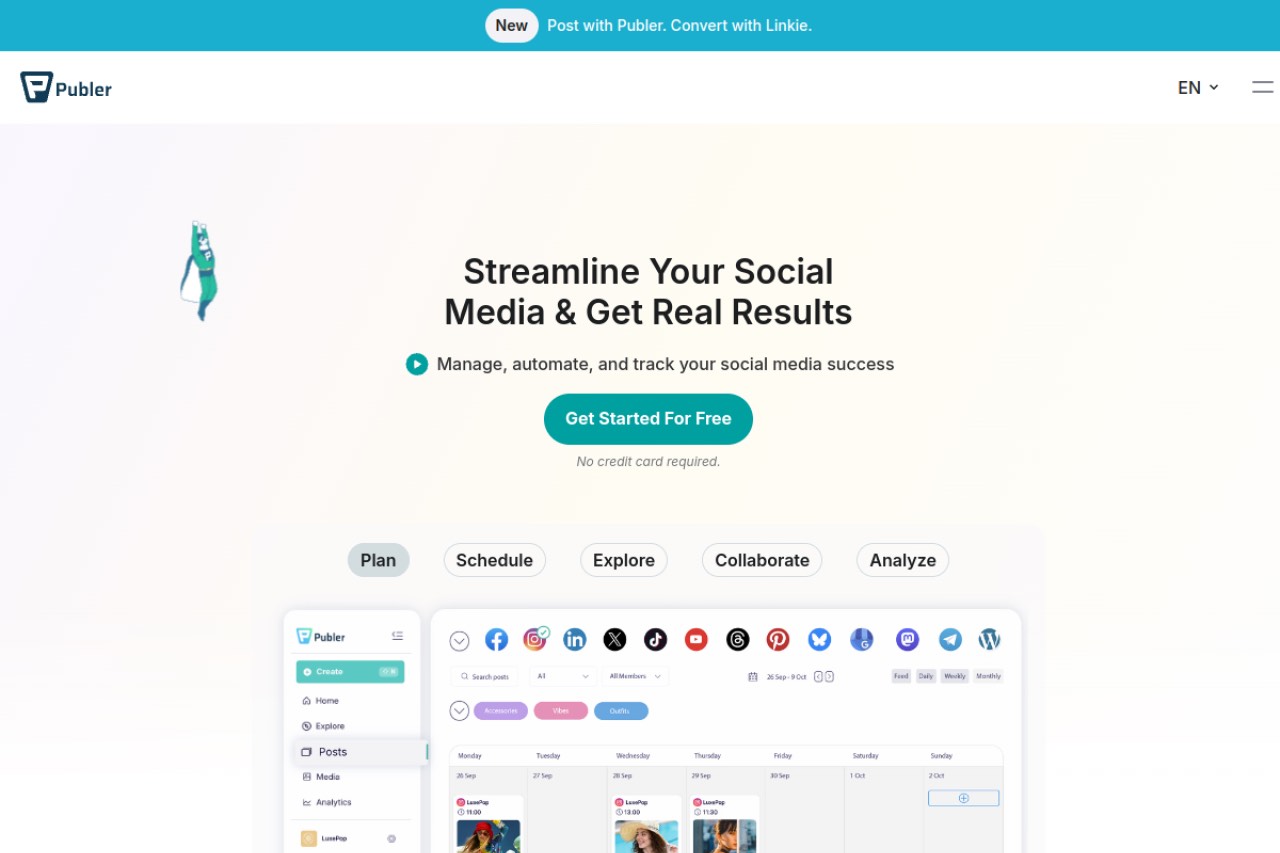
Publer is one of the cheapest capable schedulers. Unlike Pallyy, it can recycle posts and vary the wording with Spintax. It is a strong pick if you want low cost, clean design and broad integrations.
Key features
- Recycling with Spintax caption variations
- Bulk scheduling and thread scheduling for X
- AI image generation and link in bio pages
- Canva, Google Drive and Dropbox integrations
Pros
- Lowest entry price of the capable tools
- Recycling plus Spintax gives more variation than a plain replay
- Clean interface, strong integrations and fast support
- Posts to Instagram directly
Cons
- Recycling is a side feature, not the focus
- Recurring posts need a higher plan
- Spintax is manual. You write the variations yourself
- Pricing is usage based, so your bill depends on volume
Pricing: The Professional plan starts at $5/mo for 1 account. Pricing is usage based, so it rises with accounts and volume. There is a free tier.
User reviews: 4.7/5 on G2 from 521 reviews, and 4.8/5 on Capterra from 957 reviews. That Capterra score is one of the highest in the category.
Best for: budget users who want a clean all rounder that can still recycle.
3. Metricool: best for analytics and ads reporting
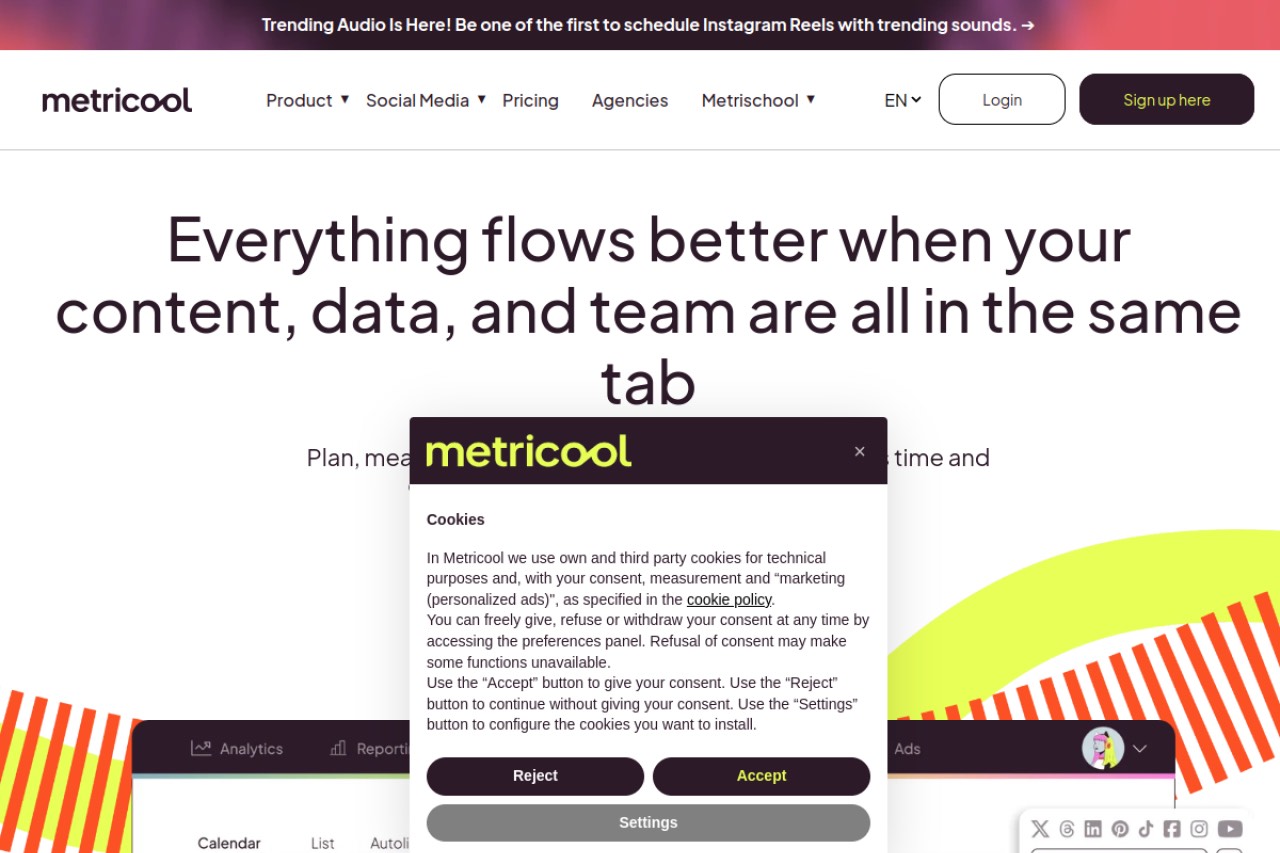
Metricool suits you if reporting matters more than recycling. It puts organic scheduling and paid ads reporting in one dashboard. It has no evergreen recycling at all.
Key features
- Deep analytics across the major networks
- Google, Meta and TikTok ads reporting
- Scheduling and content calendar
- Competitor and hashtag tracking
Pros
- Strong analytics for the price
- Ads reporting sits next to organic posts
- Covers the major networks
Cons
- No evergreen recycling at all, so it does not close Pallyy's main gap
- No AI rewrite step
- The billing basis is not clearly published, so check before you buy
Pricing: The Starter plan begins at $20/mo. Over three years that is $720. The vendor page does not make the billing basis clear, so confirm it at checkout.
User reviews: 4.5/5 on G2 from 98 reviews, and 4.4/5 on Capterra from 98 reviews.
Best for: marketers who care more about reporting than about automating content.
4. Vista Social: best for wide platform coverage
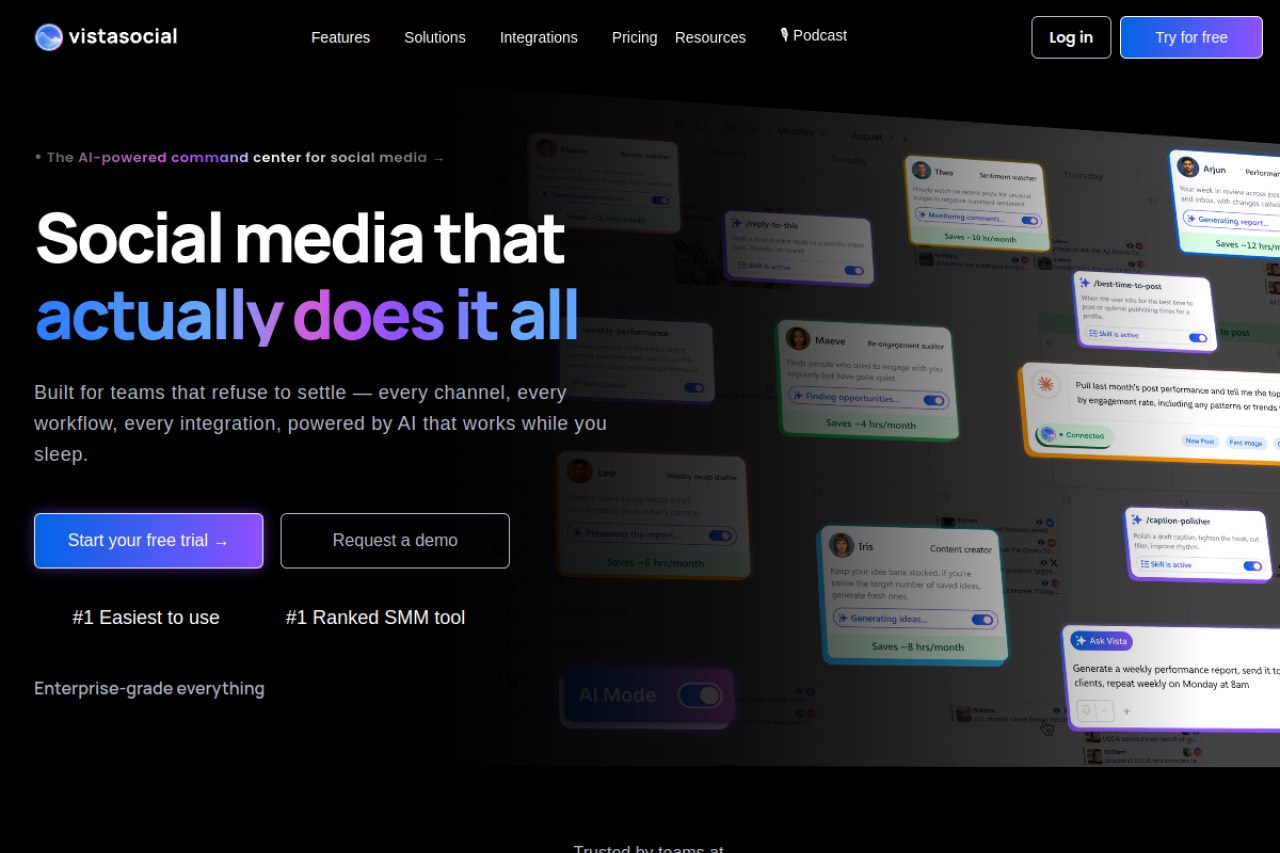
Vista Social is the pick if you need many networks and strong inbox tools. It has the widest platform list here, plus DM automation and review management. It also has the highest Capterra score in this list.
Key features
- One of the widest platform lists in the category
- DM automation and review management
- Limited content recycling
- Scheduling, calendar and reporting
Pros
- Highest rated tool in this list on Capterra
- Covers networks most rivals skip
- Strong inbox and review management
Cons
- The most expensive entry plan here at $79/mo
- Recycling is limited and there is no AI rewrite
- Feature depth means a steeper learning curve
Pricing: The Professional plan is $79/mo. Over three years that is $2,844, the highest total in this list.
User reviews: 4.8/5 on G2 from 1,118 reviews, and 4.9/5 on Capterra from 919 reviews.
Best for: teams that need many platforms plus inbox and review management in one place.
5. Later: best for Instagram first visual planning
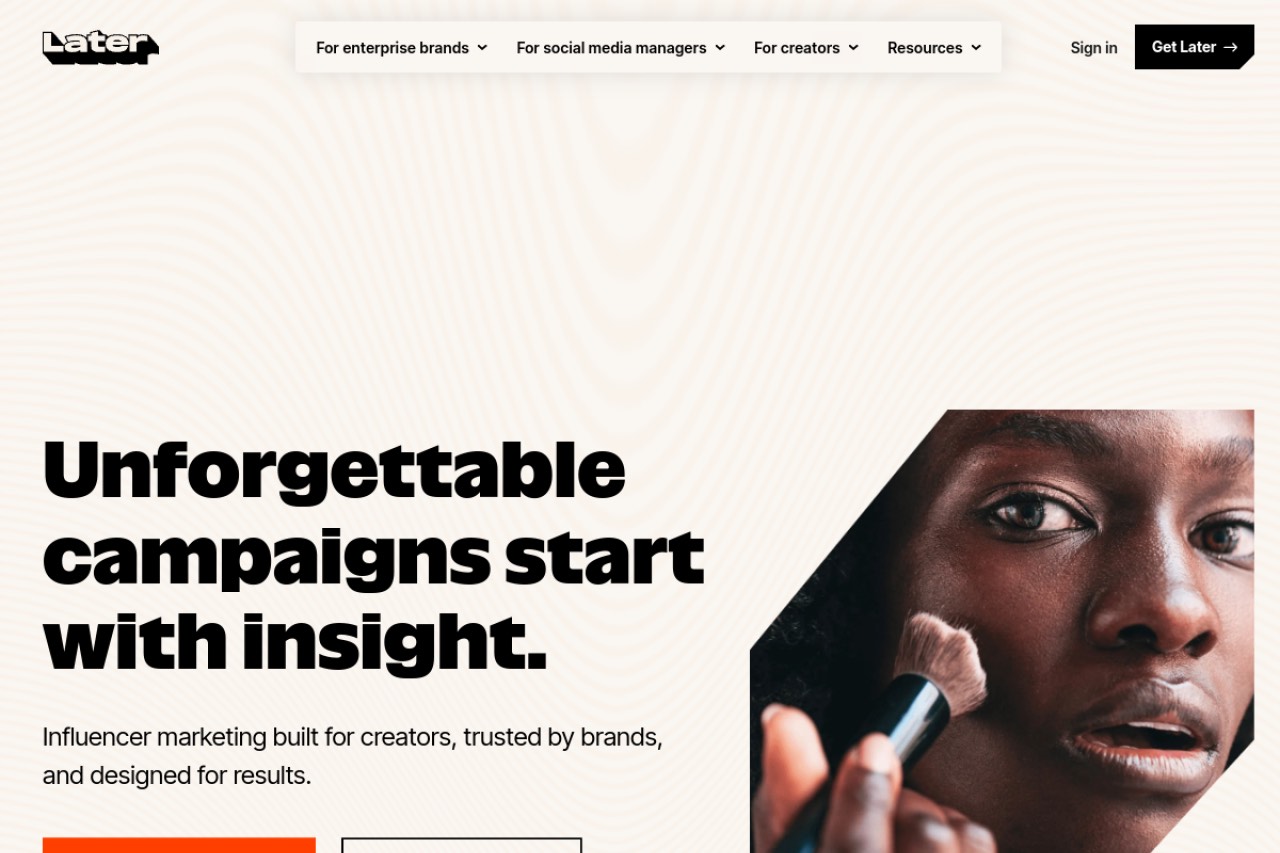
If you liked Pallyy for its visual focus, Later is the closest match. It is built around the Instagram grid. It costs more than Pallyy, and it removed its free plan.
Key features
- Visual Instagram planner with grid preview
- Media library and drag and drop calendar
- Link in bio tool
- Basic analytics
Pros
- Best Instagram planning in this list
- Polished interface
- Strong media library
Cons
- No free plan and it costs more than Pallyy
- No evergreen recycling
- Weak fit for text first networks
- Lowest score in this list alongside Metricool
Pricing: The Starter plan is $18.75/mo billed annually. Over three years that is $675. There is no free plan.
User reviews: 4.5/5 on G2 from 384 reviews, and 4.4/5 on Capterra from 399 reviews. Our full Later review goes deeper.
Best for: Instagram first brands and visual creators who want polished grid planning.
6. RecurPost: best cheap evergreen recycling

RecurPost is the cheapest way to get true recycling. Every plan includes evergreen libraries and recurring slots. It also covers Google Business Profile, which most rivals skip.
Key features
- Evergreen libraries and recurring slots on every plan
- Google Business Profile support
- AI captions and Instagram DM automation
- Social inbox and white label reports
Pros
- Cheapest monthly tool here with real recycling
- Recurring slots on all tiers, including free
- Wide platform list
Cons
- Analytics and approval sit on the top Agency plan
- Profiles can disconnect, sometimes without an alert
- Recycled posts replay the same wording
- Instagram needs a manual step
Pricing: The Starter plan is $9/mo. Over three years that is $324. There is a free plan with 3 profiles and 10 recurring posts.
User reviews: 4.7/5 on G2 from 65 reviews, and 4.7/5 on Capterra from 170 reviews.
Best for: budget users who want true recycling and do not need an AI rewrite.
7. Buffer: best for simple scheduling
Buffer is for people who want the simplest possible scheduler and a permanent free plan. It is reliable and easy to learn. It has no recycling, so it does not close Pallyy's main gap.
Key features
- Simple scheduling across the major networks
- Light AI writing assistant
- Community inbox on paid tiers
- Beginner friendly interface
Pros
- Easiest tool here to learn
- Permanent free plan for 3 channels
- Largest review base in this list
Cons
- No content recycling at all
- Thin analytics
- Per channel pricing adds up as you grow
Pricing: The Essentials plan is $5/mo per channel billed annually. Three channels for three years costs $540. There is a free plan for 3 channels.
User reviews: 4.3/5 on G2 from 1,039 reviews, and 4.5/5 on Capterra from 1,492 reviews.
Best for: people who want the simplest scheduler with a free plan.
Pallyy vs BuntingPost, side by side
These two tools solve different problems. Pallyy plans a visual feed. BuntingPost runs LinkedIn and X posting from content you already have. Here is the split.
| Feature | BuntingPost | Pallyy |
|---|---|---|
| Evergreen recycling | Yes, rewritten fresh each cycle | No |
| AI rewrite before each replay | Yes, every cycle | No |
| Review before publishing | Every post held for approval | Not applicable |
| Free plan | 1 source, 4 AI-written posts a month, publish by copy-paste | Yes, limited |
| Entry paid price | $49 once | $15/mo |
| Three year cost | $49 | $540 |
| Cost as you add accounts | One time price per plan tier | Climbs per social set |
| Main platform | LinkedIn and X. Instagram not supported | Instagram and visual |
| Social inbox | No | Yes |
Do the math on the price. BuntingPost Starter costs $49 once, so three years costs $49. Pallyy Starter at $15/mo costs $540 over the same three years. That is a saving of $491, or 91%. The trade off is real, though. BuntingPost does not post to Instagram, and Pallyy does. Prices checked July 2026.
How to choose the right Pallyy alternative
Answer these four questions in order. The first yes gives you your tool.
Is Instagram your main channel?
- Yes, and the grid preview matters. Choose Later. It is the closest match to Pallyy's visual planner.
- Yes, but I mostly want cheap posting. Choose Publer. It posts to Instagram directly from $5/mo.
- No, X or LinkedIn is my main channel. Choose BuntingPost. It does not support Instagram at all.
Do you want your best posts to run again by themselves?
- Yes, and rewritten each time. Choose BuntingPost. Its evergreen engine rewrites each repeat before it runs.
- Yes, but a plain replay is fine. Choose RecurPost at $9/mo or Publer at $5/mo.
- No, I only schedule new posts. Buffer or Later is enough.
Do you need to spend nothing?
- Yes, and I want recycling. Choose RecurPost Free. BuntingPost Free writes posts from your own content, but you publish them by copy-paste.
- Yes, and scheduling is enough. Choose Buffer Free or Publer's free tier.
- No, I will pay for the right tool. BuntingPost Starter is $49 once. Every other paid option here is a monthly bill.
Are reports or platform coverage your priority?
- Reports and ads data. Choose Metricool at $20/mo.
- As many networks as possible. Choose Vista Social at $79/mo. It also has the highest Capterra score here.
- Neither. I want the content handled. Choose BuntingPost.
Use case cheat sheet
| Your situation | Pick | Why |
|---|---|---|
| Instagram grid planning | Later | Closest match to Pallyy's visual planner |
| Best posts should run again, rewritten | BuntingPost | Rewrites every post before it runs again |
| You hate monthly bills | BuntingPost | $49 once, so three years costs $49 |
| You want to spend nothing | BuntingPost Free | 4 AI-written posts a month from 1 source, publish by copy-paste, no card |
| Cheapest monthly recycling | RecurPost | $9/mo with recurring slots on every plan |
| Cheapest capable all rounder | Publer | From $5/mo with recycling and Spintax |
| Ads reporting next to organic posts | Metricool | Google, Meta and TikTok ads in one dashboard |
| The longest platform list | Vista Social | Widest coverage, 4.9/5 on Capterra |
| Simplest possible scheduler | Buffer | Easiest tool here with a free plan |
| Google Business Profile posting | RecurPost | Supports it on every plan |
| Several client brands today | Vista Social | Multi workspace management built in |
| Instagram plus a social inbox | Stay on Pallyy | No tool here beats it on both at $15/mo |
Frequently asked questions
Picking a tool
What is the best Pallyy alternative?
Which Pallyy alternative is best for several client brands?
Should I just stay on Pallyy?
Price and free plans
How much does Pallyy cost compared to BuntingPost?
Is there a free Pallyy alternative?
Which of these tools costs the most?
Features and platforms
Does Pallyy recycle evergreen content?
Is Pallyy or BuntingPost better for Instagram?
Which platforms does BuntingPost publish to?
The bottom line
Pallyy is a good visual scheduler. Its one real gap is that it never replays your best content. If Instagram is your main channel, Later is the closest replacement, and Vista Social covers the most networks. If your main channel is LinkedIn or X, BuntingPost closes the gap: it writes LinkedIn posts from content you already publish, holds each one for your approval, and keeps your best posts in rotation, rewritten fresh. It costs $49 once against Pallyy's $540 over three years, and the free plan lets you test the posts first, published by copy-paste. If free options matter most, our guide to the best free social media schedulers compares the whole category.
Disclosure: BuntingPost is our product. Where it appears in the comparisons and recommendations above, read it with that in mind. Prices, limits, and ratings for every tool, ours included, are checked against the sources named on this page. Read how we review.
Made it this far? Take the swipe file
30 LinkedIn post prompts for founders, organized by source: your changelog, your customers, your numbers, your opinions. The link is yours immediately, plus the occasional practical guide on LinkedIn for founders.
Optional. No spam, unsubscribe anytime.




